20 ASUS P2L97 User’s Manual
III. INSTALLATION
(CPU)
III. INSTALLATION
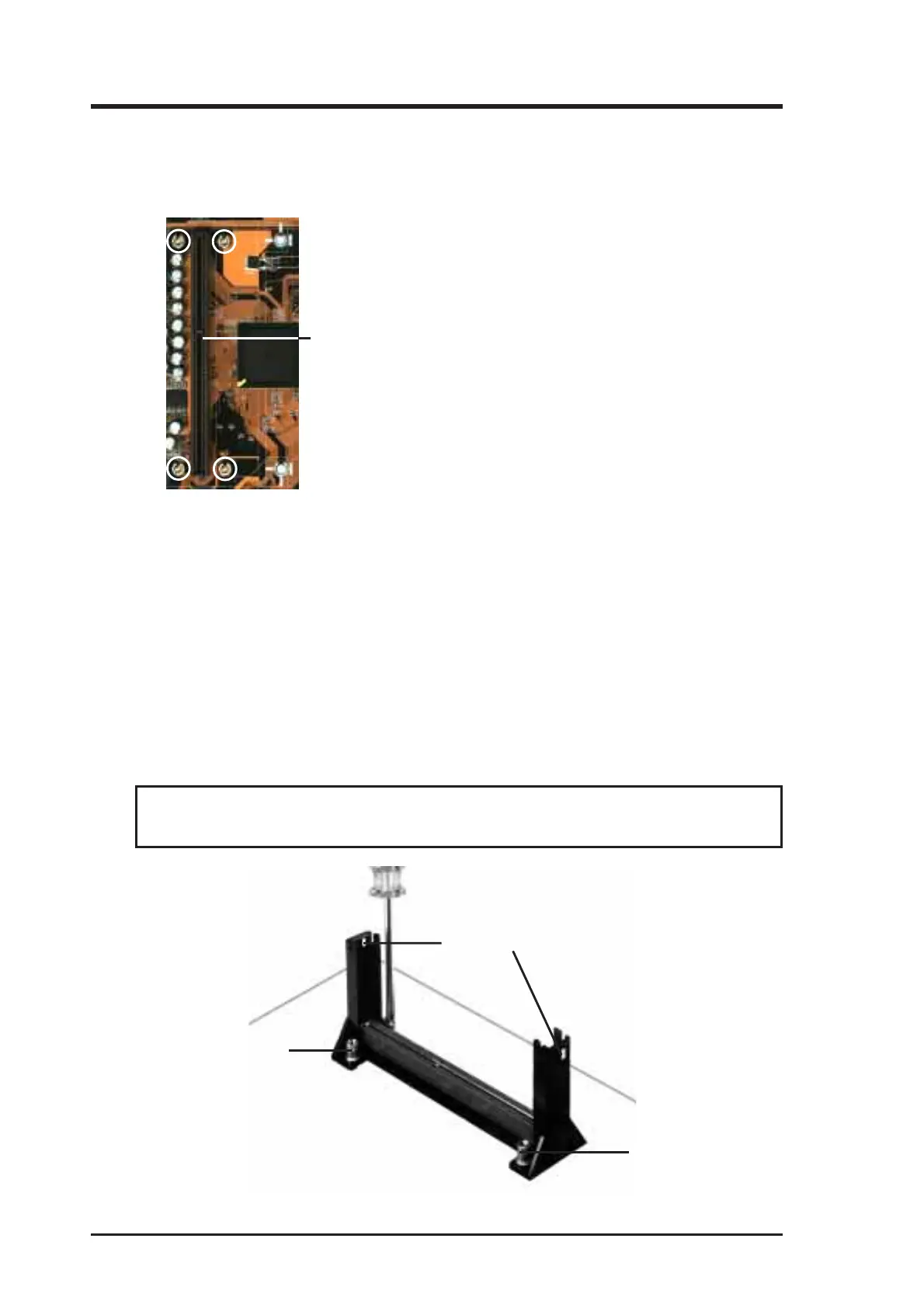
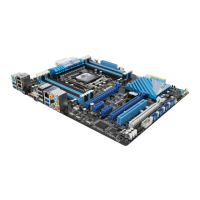
The Motherboard As Shipped
Four screws should be showing next to each corner of the SEC CPU Slot using two
attach mount bridges from the underside of the motherboard.
Installing the Pentium II Processor:
1. Mount the Pentium II Retention Mechanism: The retention mechanism is
designed to fit into the SEC slot only one way.
TIP: Orient the mechanism’s lock holes toward the motherboard’s chipsets (see
motherboard layout for the location of the Intel chipset).
Be sure to align the notch in the mechanism with the small rib on one side of the
slot and that the mechanism is properly seated on the board. Then, screw the
captive nuts in place.
WARNING! Do not overtighten the captive nuts. Doing so could damage your
motherboard. Tighten captive nuts to no more than 6±1 inch/pound.
Lock holes
Captive nut
Captive nut
NOTE: Encircled items are screws
from the mount bridges (1 & 2)
SEC CPU slot



 To Next Page