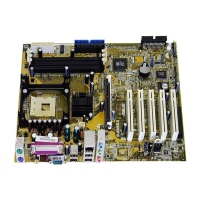
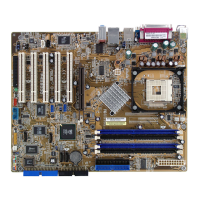
ASUS P4PE motherboard user guide
4-25
Parallel Port Mode [ECP+EPP]
This field allows you to set the operation mode of the parallel port.
[Normal] allows normal-speed operation but in one direction only; [EPP]
allows bidirectional parallel port operation; [ECP] allows the parallel port to
operate in bidirectional DMA mode; [ECP+EPP] allows normal speed
operation in a two-way mode. Configuration options: [Normal] [EPP] [ECP]
[ECP+EPP]
ECP DMA Select [3]
This field allows you to configure the parallel port DMA channel for the
selected ECP mode. This selection is available only if you select [ECP] or
[ECP+EPP] in Parallel Port Mode above. Configuration options: [1] [3]
Onboard AC97 Audio Controller [Auto]
[Auto] allows the BIOS to detect whether you are using any audio device.
If an audio device is detected, the onboard audio controller is enabled; if
no audio device is detected, the controller is disabled. Configuration
options: [Disabled] [Auto]
Onboard Game Port [200H-207H]
This field sets the I/O address for the game port. Configuration options:
[Disabled] [200H-207H] [208H-20FH]
Onboard MIDI I/O [Disabled]
This field sets the I/O address for the MIDI I/O port. Configuration options:
[Disabled] [330H-331H] [300H-301H]
Speech POST Reporter [Enabled]
This field enables or disables the ASUS POST Reporter™ feature. See
section “1.3 Special Features” and “3.2 Vocal POST messages” for more
information. Configuration options: [Disabled] [Enabled]


 To Next Page