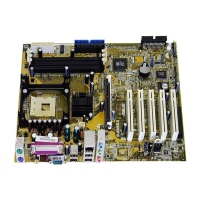
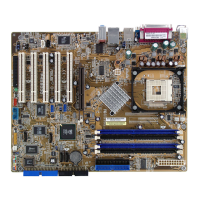
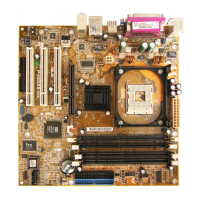
ASUS P4PE motherboard user guide
4-27
USB 2.0 Controller [Enabled]
This field allows you to enable or disable the onboard USB 2.0 controller.
Set to [Enabled] if you wish to install USB 2.0 devices. Configuration
options: [Disabled] [Enabled]
Primary VGA BIOS [PCI VGA Card]
This field allows you to select the primary graphics card. Configuration
options: [PCI VGA Card] [AGP VGA Card]
Onboard LAN Controller [Enabled]
This field allows you to enable or disable the onboard LAN controller.
Configuration options: [Disabled] [Enabled]
Onboard LAN Boot ROM [Disabled]
This field allows you to enable or disable the option ROM in the onboard
LAN controller chipset. Configuration options: [Disabled] [Enabled]
Onboard SATA/IDE RAID Controller
This field allows you to enable or disable the onboard SATA/IDE RAID
controller. Configuration options: [Disabled] [Enabled]
Onboard ATA Device First [No]
This item allows you to select the option ROM booting sequence. Setting
to [Yes] loads the option ROM on the onboard ATA device first. Setting to
[No] loads the option ROM on the add-on card first. Configuration options:
[No] [Yes]
Onboard 1394 Controller [Enabled]
This field allows you to enable or disable the onboard 1394 controller.
Configuration options: [Disabled] [Enabled]


 To Next Page