4-32 Chapter 2: BIOS setup
PasswordCheck[Setup]
When set to [Setup], BIOS checks for user password when accessing the Setup
utility. When set to [Always], BIOS checks for user password both when accessing
Setup and booting the system.
Conguration options: [Setup] [Always]
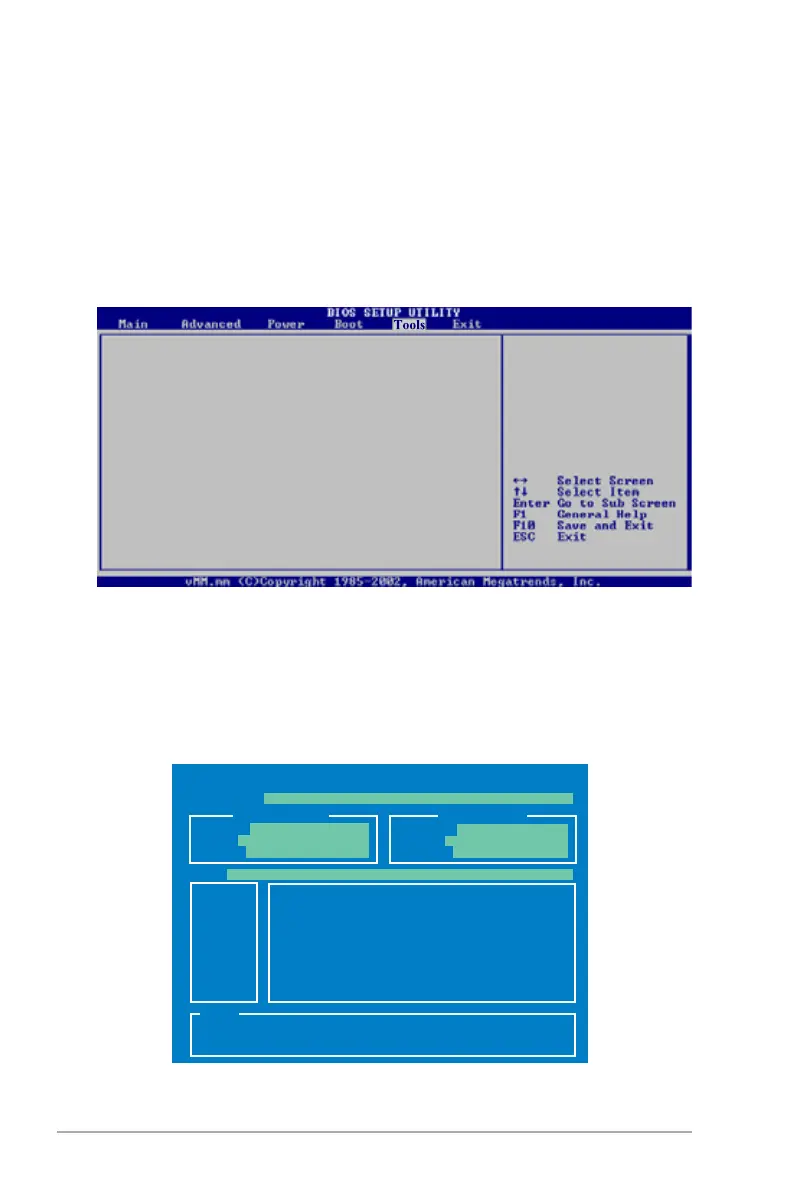
4.7 Tools menu
ASUS EZ Flash 2
ASUS O.C.Prole
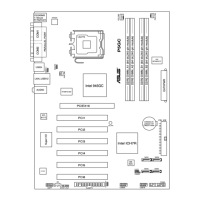
4.7.1 ASUSEZFlash2
Allows you to run ASUS EZ Flash 2. When you press <Enter>, a conrmation
message appears. Use the left/right arrow key to select between [Yes] or [No],
then press <Enter> to conrm your choice. Please see page 4‑2, section 4.1.2 for
details.
ASUSTek EZ Flash 2 BIOS ROM Utility V3.00
Current ROM
Update ROM
A:
Note
[Enter] Select or Load [B] Backup [ESC] Exit
[Tab] Switch [Up/Down/Home/End] Move
FLASH TYPE: MXIC 25L8005
PATH: A:\
BOARD: P5B
VER: 0144 [0000]
DATE: 05/20/06
BOARD: Unknown
VER: Unknown
DATE: Unknown



 To Next Page