7
Navigating your PadFone
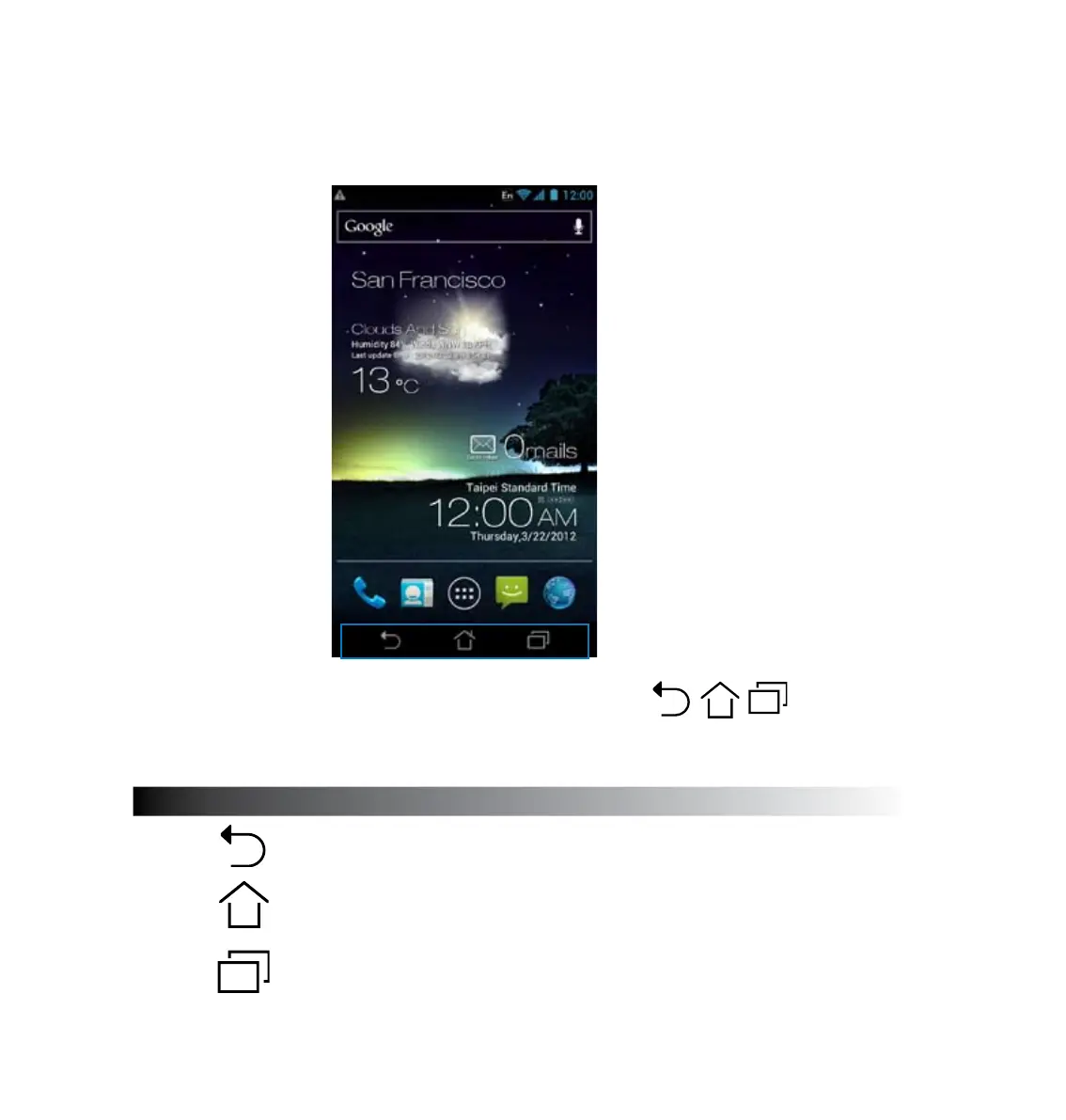
After you nish setting up your PadFone, the Home Screen appears.
At the bottom of your Home Screen, you’ll nd three navigation icons , , . These icons,
which are always available on the system bar, allow you to instantly jump back to the Home Screen,
return to a previous page, or launch a recent app.
Icon Description
Allows you to go back to the previous screen, until you are in the Home
Screen.
Opens your Home Screen.
Opens a thumbnail list of your most recent apps. To launch an app,
touch the thumbnail image. If you wish to remove a thumbnail app,
swipe it to the left or right.



 To Next Page