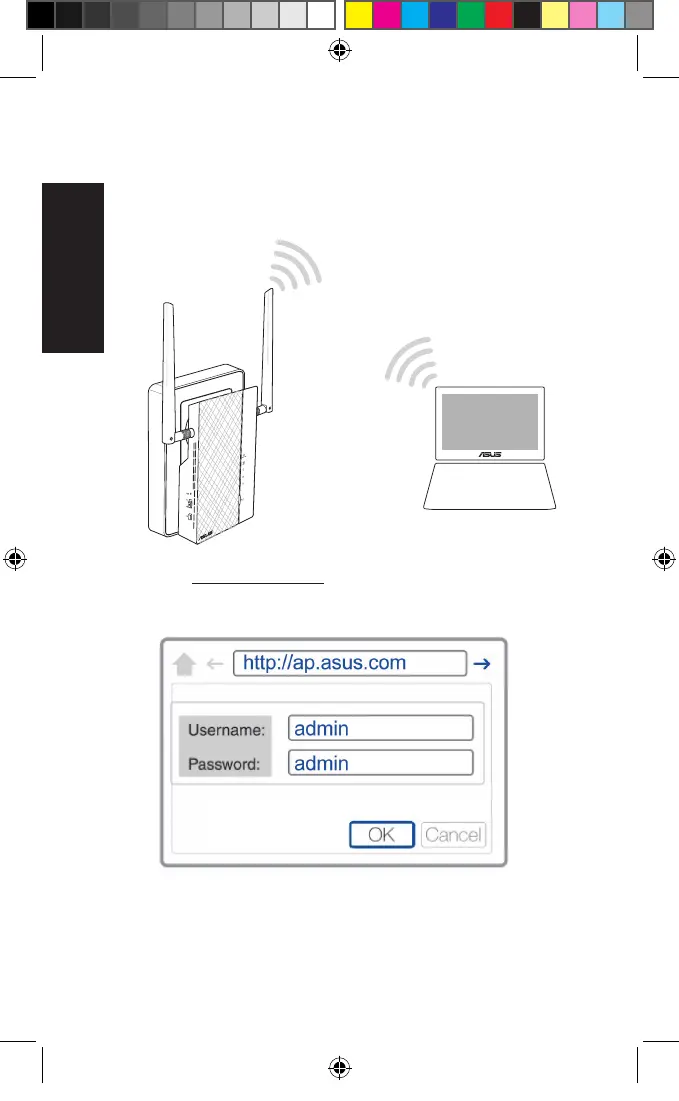
Conguring via the web interface
1. Set up your PL-AC56 via wired or wireless connection. For
details, refer to the section Setting up your PL-AC56.
2. Go to http://ap.asus.com
3. Use admin as both the username and password.
4. Go to Wireless > General and set the SSID (network name)
and password.
5. When done, click Apply.
U11264_PL-AC56_Kit_QSG_Booklet_105x170mm.indb 8 2016-02-04 10:04:50



 To Next Page