ASUS PRIME A320M-E
1-3
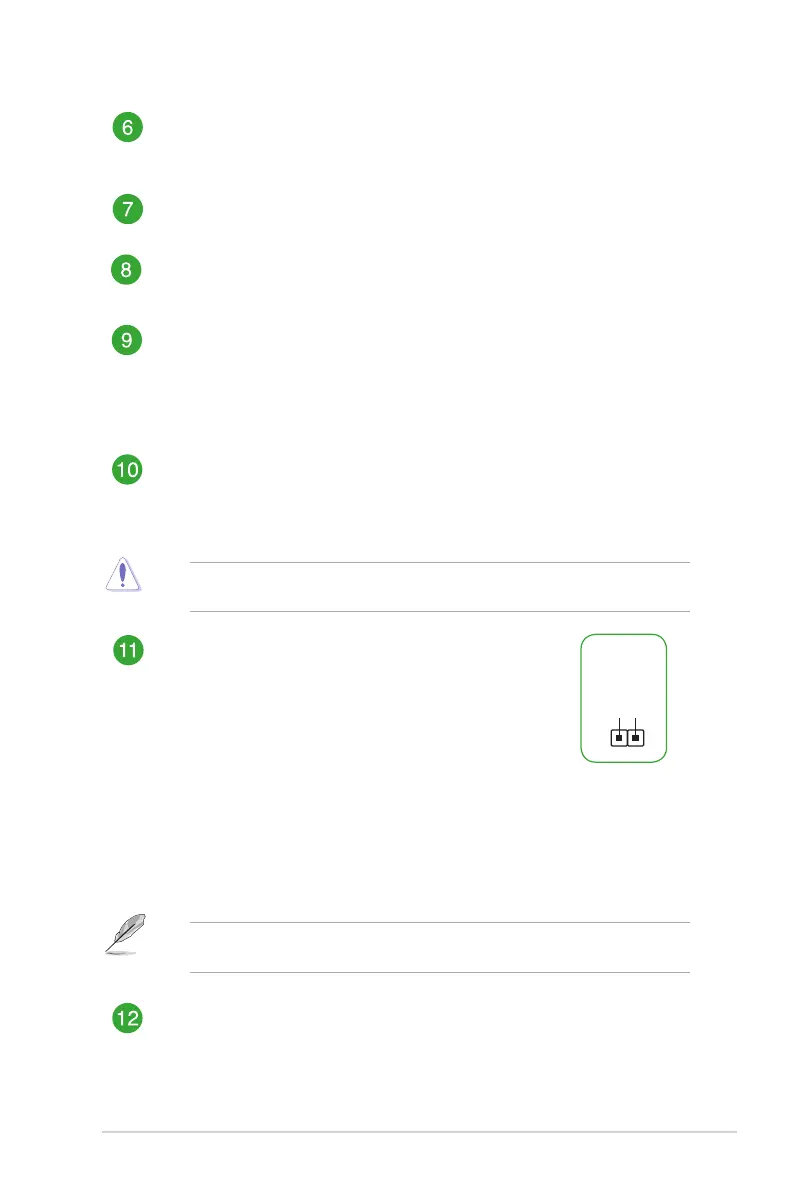
System panel connector (10-1 pin F_PANEL)
Thisconnectorsupportsseveralchassis-mountedfunctions.
Speaker connector (4-pin SPEAKER)
This4-pinconnectorisforthechassis-mountedsystemwarningspeaker.The
speakerallowsyoutohearsystembeepsandwarnings.
USB 3.1 Gen 1 connector (20-1 pin USB3_12)
ThisconnectorallowsyoutoconnectaUSB3.1Gen1moduleforadditionalUSB
3.1Gen1frontorrearpanelports.WithaninstalledUSB3.1Gen1module,you
canenjoyallthebenetsofUSB3.1Gen1includingfasterdatatransferspeeds
ofupto5Gbps,fasterchargingtimeforUSB-chargeabledevices,optimizedpower
efciencyandbackwardcompatibilitywithUSB2.0.
USB 2.0 connectors (10-1 pin USB34, USB56)
TheseconnectorsareforUSB2.0ports.ConnecttheUSBmodulecabletoany
oftheseconnectors,theninstallthemoduletoaslotopeningatthebackofthe
systemchassis.TheseUSBconnectorscomplywithUSB2.0specicationsand
supportupto480Mbpsconnectionspeed.
Neverconnecta1394cabletotheUSBconnectors.Doingsowilldamagethe
motherboard!
Clear RTC RAM (2-pin CLRTC)
ThisheaderallowsyoutocleartheCMOSRTCRAMdataof
thesystemsetupinformationsuchasdate,time,andsystem
passwords.
To erase the RTC RAM:
1. TurnOFFthecomputerandunplugthepowercord.
2. Useametalobjectsuchasascrewdrivertoshortthe
twopins.
3. PlugthepowercordandturnONthecomputer.
4. Holddownthe<Del>keyduringthebootprocessand
enterBIOSsetuptore-enterdata.
CLRTC
+3V_BAT
GND
PIN 1
Ifthestepsabovedonothelp,removetheonboardbatteryandshortthetwopinsagain
tocleartheCMOSRTCRAMdata.AfterclearingtheCMOS,reinstallthebattery.
Serial port connector (10-1 pin COM)
Thisconnectorisforaserial(COM)port.Connecttheserialportmodulecableto
thisconnector,theninstallthemoduletoaslotopeningatthebackofthesystem
chassis.
AMD A320 Serial ATA 6.0Gb/s connectors (7-pin SATA6G_1~4)
TheseconnectorsconnecttoSerialATA6.0Gb/sharddiskdrivesviaSerialATA
6.0Gb/ssignalcables.





 To Next Page