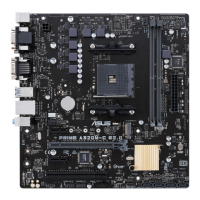
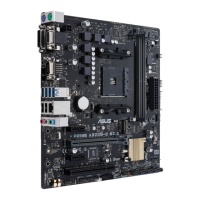
ASUS PRIME A320M-E
1-5
LAN port
Speed
LED
Activity Link
LED
Activity/Link LED Speed LED
Status Description Status Description
Off Nolink OFF 10Mbpsconnection
Orange Linked ORANGE 100Mbpsconnection
Orange
(Blinking)
Dataactivity GREEN 1Gbpsconnection
Orange
(Blinkingthen
steady)
Readytowake
upfromS5mode
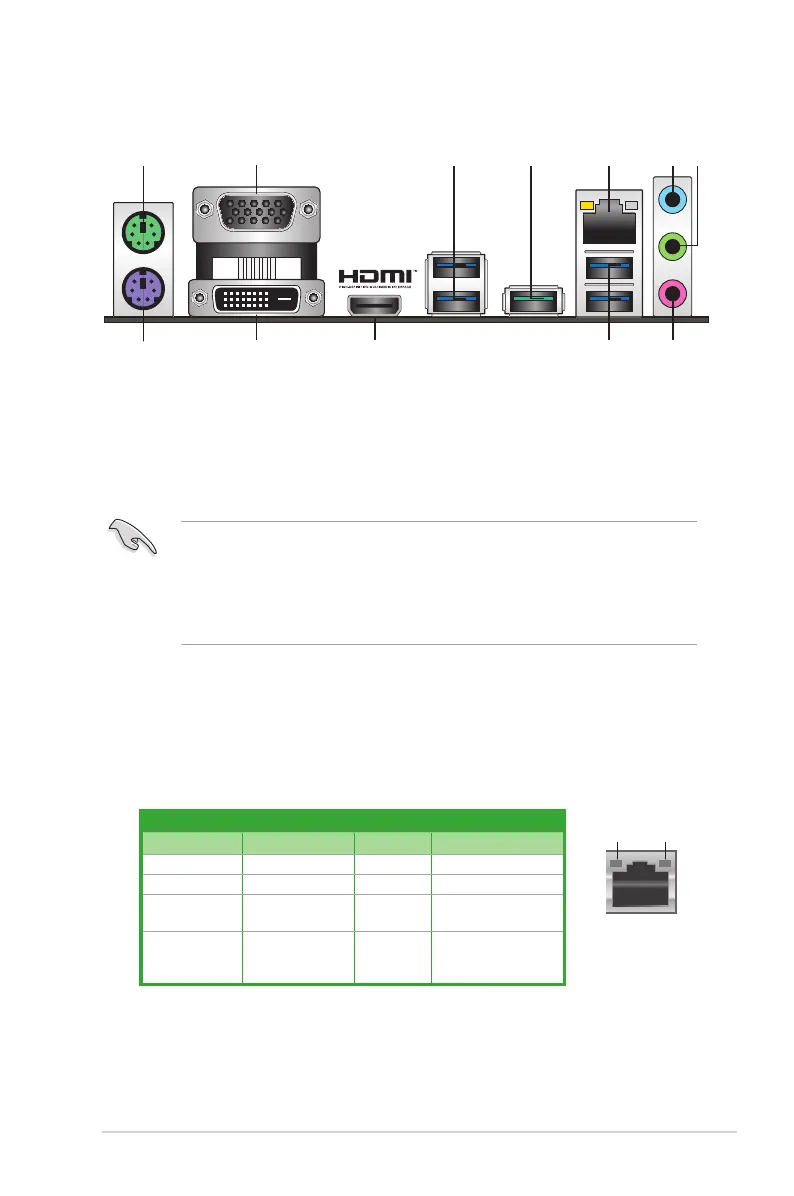
1. PS/2 Mouse (green) port.ThisportisforaPS/2mouse.
2. Video Graphics Adapter (VGA) port.This15-pinportisforaVGAmonitororother
VGA-compatibledevices.
3. USB 3.1 Gen 1 ports.Thesetwo9-pinUniversalSerialBus(USB)portsconnectto
USB3.1Gen1devices.
• USB3.1Gen1devicescanonlybeusedfordatastorage.
• DuetothedesignofAMDAM4serieschipset,allUSBdevicesconnectedtotheUSB
2.0andUSB3.1Gen1portsarecontrolledbythexHCIcontroller.
• WestronglyrecommendthatyouconnectUSB3.1Gen1devicestoUSB3.1Gen1
portsforfasterandbetterperformancefromyourUSB3.1Gen1devices.
Rear panel connectors
4. USB 3.1 Gen 2 port (teal blue, Type A).This9-pinUniversalSerialBus3.1(USB3.1
Gen2)portisforUSB3.1Gen2devices.
5. LAN (RJ-45) port.ThisportallowsGigabitconnectiontoaLocalAreaNetwork(LAN)
throughanetworkhub.
LAN port LED indications





 To Next Page