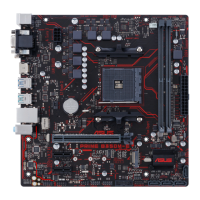
ASUS PRIME B350M-E
1-1
Product introduction
1
1.1 Before you proceed
Take note of the following precautions before you install motherboard components or change
any motherboard settings.
• Unplugthepowercordfromthewallsocketbeforetouchinganycomponent.
• Beforehandlingcomponents,useagroundedwriststraportouchasafelygrounded
objectorametalobject,suchasthepowersupplycase,toavoiddamagingthemdue
to static electricity.
• Beforeyouinstallorremoveanycomponent,ensurethattheATXpowersupplyis
switched off or the power cord is detached from the power supply. Failure to do so
maycauseseveredamagetothemotherboard,peripherals,orcomponents.
Unplugthepowercordbeforeinstallingorremovingthemotherboard.Failuretodosocan
cause you physical injury and damage motherboard components.
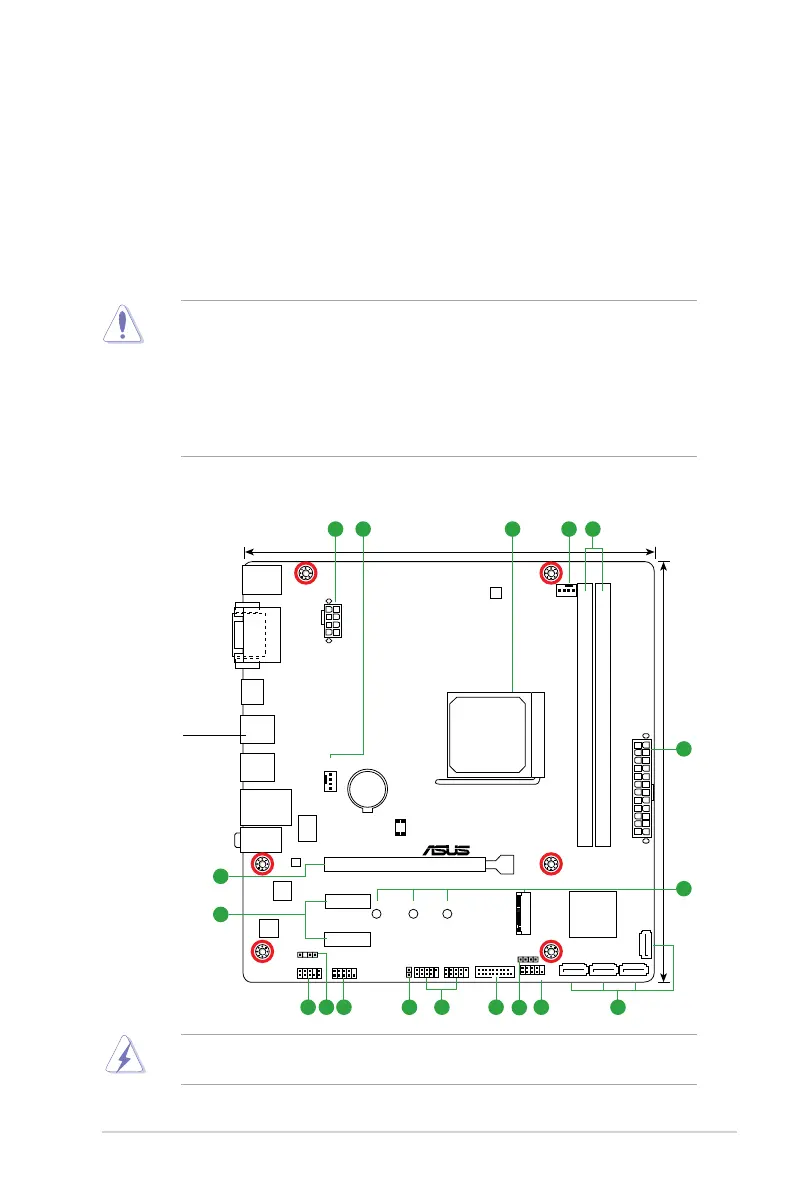
PRIME B350M-E
PCIEX16
PCIEX1_1
PCIEX1_2
SPEAKER
CLRTC
F_PANEL
SPDIF_OUT
USB56USB34
USB3_12
AAFP
COM
EATXPWR
CPU_FAN
CHA_FAN
BATTERY
Super
I/O
ALC
887
Realtek
8111H
DIGI
+VRM
22.6cm(8.9in)
AMD
®
A350
DDR4 DIMM_A1 (64bit, 288-pin module)
SOCKET AM4
2280 2260 2242
M.2_1(SOCKET3)
DDR4 DIMM_B1 (64bit,288-pin module)
AUDIO
KBMS
LAN_USB3_34
USB3.1_12
USB3_56
22.1cm(8.7in)
128Mb
BIOS
SATA6G_3
SATA6G_4
SATA6G_1 SATA6G_2
LANGuard
EATX12V
DVI
VGA
HDMI
1 42 23
1
1
1
5
15
16
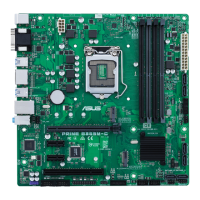
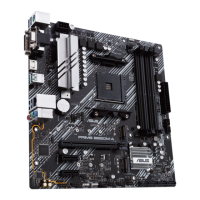
1.2 Motherboard overview
Place this
side towards
the rear of the
chassis






 To Next Page