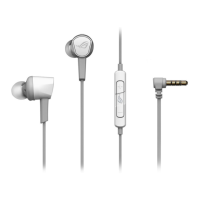
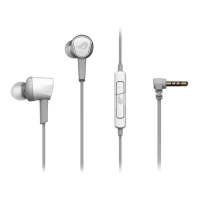
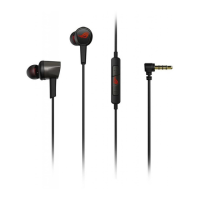
ROG Cetra Core Gaming In-ear Headphone 3
English
Package contents
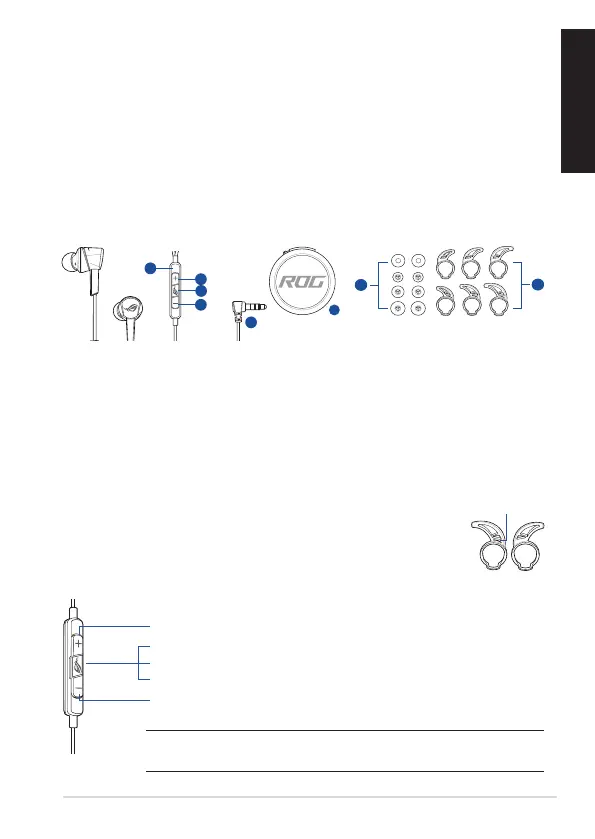
• 1 x ROG Cetra Core gaming in-ear headphones
• 1 x Carry case • 1 x foam tips (one pair)
• 3 x Ear ns in dierent sizes • 1 x Audio/Mic splitter cable
• 3 x Silicon tips in dierent sizes • 1 x Quick Start Guide
System requirements
• Windows® 10 / Windows® 8.1 / Windows® 7 • 3.5mm headphone port
Product Overview
GAMING HEADPHONES
ROG Cetra Core GAMING in-ear HEADphoneS
F
A. In-line controller with microphone
B. Volume up button
C. Multi-function button
D. Volume down button
E. 3.5mm connector
F. Carry case
G. Foam tips (one pair) and silicon tips in 3 dierent sizes
H. Custom ear ns
Getting started
To set up your ROG Cetra Core gaming in-ear headphones:
Connect the headphones to your device through the 3.5mm headphone jack.
To install your ear ns:
1. Identify the left or right ear n by locating the protrusion on the left n.
2. Ensure that the direction of the ear n is aligned with that of the nozzle.
3. Install the ear ns from the back side of the headphones.
protrusion
To use the in-line controller:
NOTE: Some features of the in-line controller may not be applicable on certain
devices.
Volume up: press the volume up button once
Play/Pause: press the multi-function button once
Next track: press the multi-function button twice quickly
Previous track: press the multi-function button three times quickly
Volume down: press the volume down button once


 To Next Page