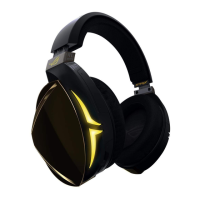
ROG Delta Core Gaming Headset 3
English
Package contents
• 1 x ROG Delta Core gaming headset
• 1 x 3.5mm mic/audio splitter cable
• 1 x Quick Start Guide
• 1 x Warranty Notice
• 2 x ROG Hybrid ear-cushions
• 1 x Detachable Microphone
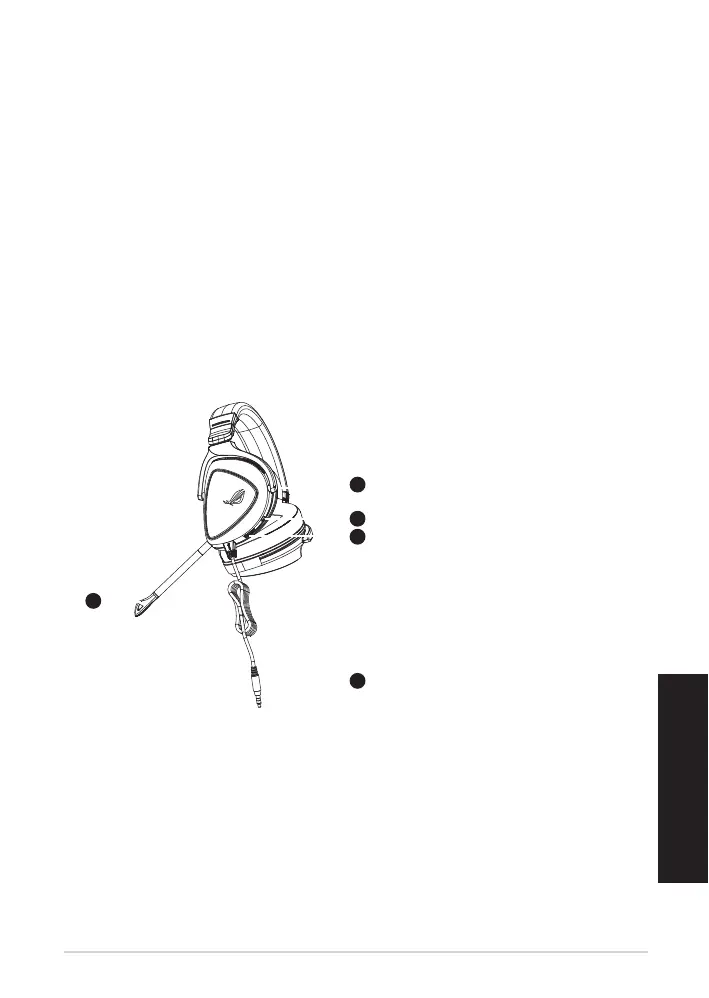
Product Overview
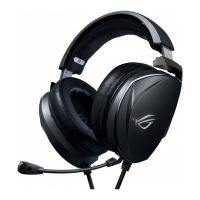
A. Changeable ear cushion
B. Microphone mute toggle
C. Volume control wheel
D. 3.5mm jack connector
E. Detachable microphone
Getting started
To set up your ROG Delta Core gaming headset:
1. Connect the headset to your device through the 3.5mm jack connector.
2. For devices with separate microphone and audio ports, use the splitter cable as an
adapter to connect to the mic and audio ports respectively.
GAMING HEADSET
ROG DELTA CORE GAMING HEADSET
A
B
E
D
C



 To Next Page