EasyManua.ls Logo

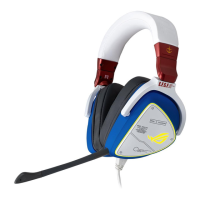
Asus ROG Delta Gundam - User Manual

Asus ROG Delta Gundam
11 pages
Print Icon
To Next Page IconTo Next Page
Loading...
Gaming HeadsetGaming Headset
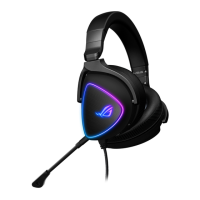
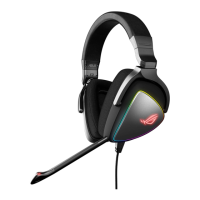
ROG Delta
Gaming Headset
Q17357
Quick Start Guide
Question and Answer IconNeed help?

Do you have a question about the Asus ROG Delta Gundam and is the answer not in the manual?

Summary

Package Contents

System Requirements

Product Overview

Detachable Microphone

The microphone component that can be attached or detached.

Aura Light Control

Controls for turning the RGB lighting on or off.

Audio Control Wheel

Dial for adjusting volume and muting the microphone.

Type-C Connector

The port used to connect the headset to a device.

Getting Started

Connect Headset to Device

How to connect the headset using the Type-C connector or adapter.

Download Aura Software

Instructions to download and install the necessary Aura software.
Asus ROG Delta Gundam Specifications

General IconGeneral
BrandAsus
ModelROG Delta Gundam
CategoryHeadsets
LanguageEnglish

Related product manuals