Guide de démarrage rapide6
English
Français
Contenu de la boîte
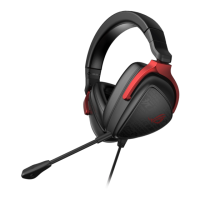
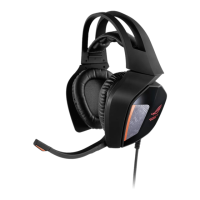
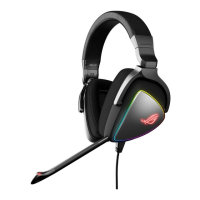
• 1 x Casque gaming ROG Delta
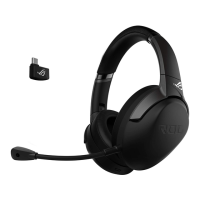
• 1 x Adaptateur Type-C vers USB
• 1 x Guide de démarrage rapide
• 1 x Carte de garantie
• 2 x Coussinets ROG Hybrid
• 1 x Microphone amovible
Conguration requise
• Windows® 10 / Windows® 8.1 / Windows® 7
• Connexion internet (pour le téléchargement de logiciels optionnels)
• Port USB ou Type-C
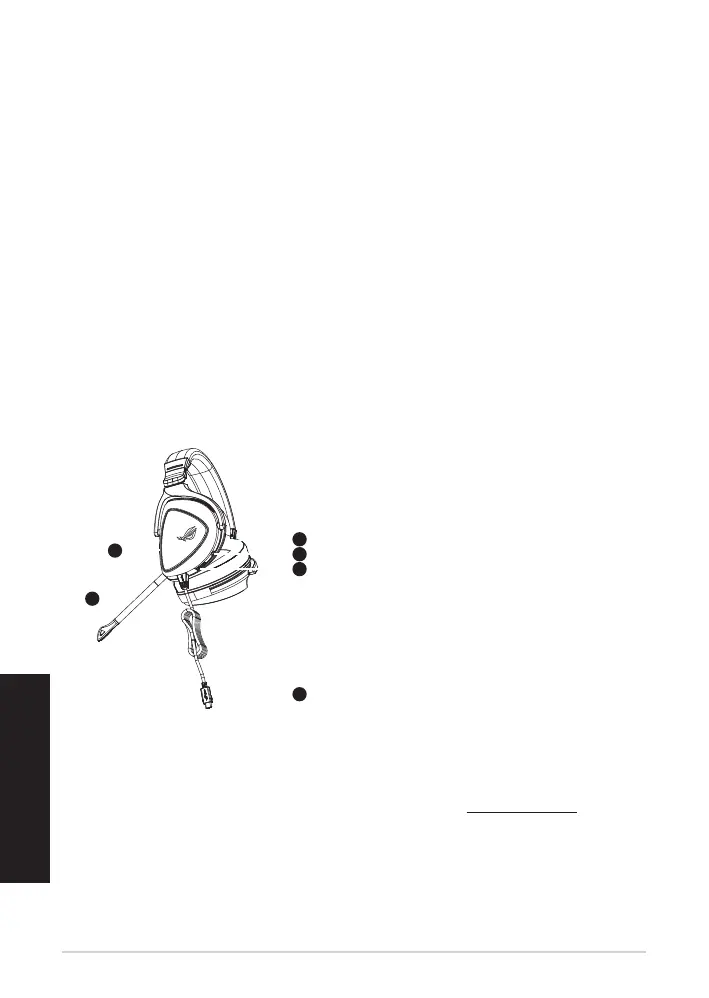
Présentation du produit
1
ROG STRIX FUSION
Getting Started
A. Aura Lighting area
B. Detachable microphone
Indicator will turn red when mute
C. Changeable ear cushion
D. Aura light on/off
E. Audio control wheel
Roll to control the volume
Press to mute the microphone
F. Type-C connector
Gaming HeadsetGaming Headset
ROG Delta Gaming HeadsetROG Delta Gaming Headset
English
1. Connect the headset to your device though type-C connector or type C to USB adaptor.
2. Download Aura software from http://www.asus.com then install it on your computer.
Product Overview
Package Content
•
1 x ROG Delta gaming headset
•
1 x Type C-USB adaptor
•
1 x Quick start guide
•
1 x Warranty Notice
•
1 x ROG Hybrid Ear cushion
•
1 x Detachable Microphone
System Requirement
•
Windows� 10 / Windows� 8.1 / Windows� 7
•
Internet connection (for downloading optional software)
•
USB or Type-C port
A
B
F
D
E
C
A. Zone d'éclairage Aura
B. Microphone amovible
Le témoin lumineux devient rouge lorsque le
microphone est coupé
C. Coussinet amovible
D. Éclairage Aura activé/désactivé
E. Molette de contrôle audio
Tournez la molette pour contrôler le volume
Appuyez dessus pour couper le microphone
F. Connecteur Type-C
1
ROG STRIX FUSION
Getting Started
A. Aura Lighting area
B. Detachable microphone
Indicator will turn red when mute
C. Changeable ear cushion
D. Aura light on/off
E. Audio control wheel
Roll to control the volume
Press to mute the microphone
F. Type-C connector
Gaming HeadsetGaming Headset
ROG Delta Gaming HeadsetROG Delta Gaming Headset
English
1. Connect the headset to your device though type-C connector or type C to USB adaptor.
2. Download Aura software from http://www.asus.com then install it on your computer.
Product Overview
Package Content
•
1 x ROG Delta gaming headset
•
1 x Type C-USB adaptor
•
1 x Quick start guide
•
1 x Warranty Notice
•
1 x ROG Hybrid Ear cushion
•
1 x Detachable Microphone
System Requirement
•
Windows� 10 / Windows� 8.1 / Windows� 7
•
Internet connection (for downloading optional software)
•
USB or Type-C port
A
B
F
D
E
C
Prise en main
Pour congurer votre casque gaming ROG Delta :
1. Connectez le casque à votre appareil via le connecteur Type-C ou l'adaptateur Type-C vers USB.
2. Téléchargez et installez le logiciel Aura sur votre ordinateur à partir du site http://www.asus.com.


 To Next Page