for PPPoE, PPTP, and L2TP
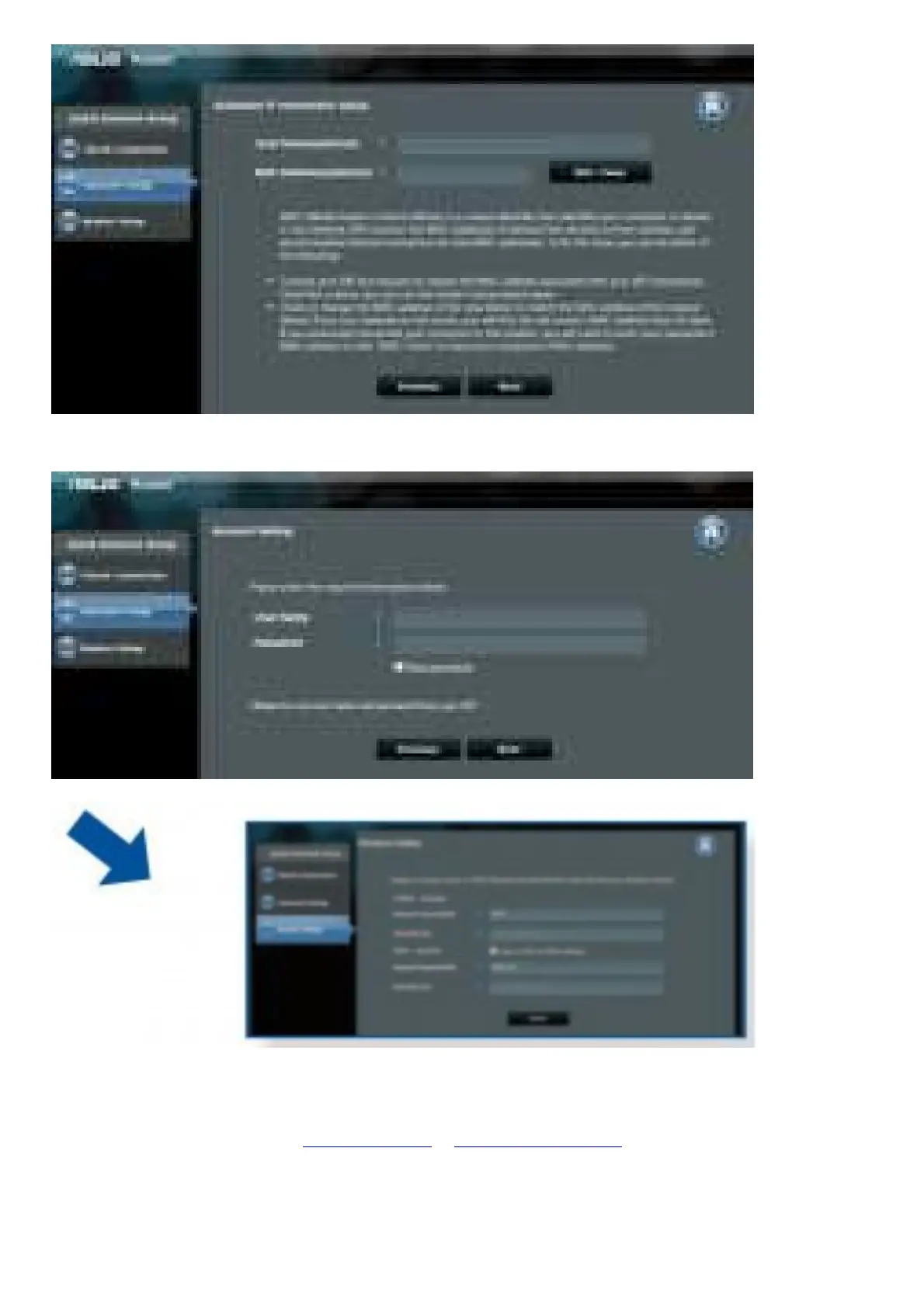
1. If the QIS web page does not appear after launching the web browser, disable the proxy settings on the web
browser.
2. If QIS does not launch automatically, follow these steps to manually launch QIS:
• On your web browser, key in http://192.168.1.1 or http://router.asus.com. Use the default username admin
and password admin to log into the user interface.
• Click Quick Internet Setup on the left panel on the Network Map page.
• The auto-detection of your ISP connection type takes place when you configure the wireless router for the first
time or when your wireless router is reset to its default settings.


 To Next Page