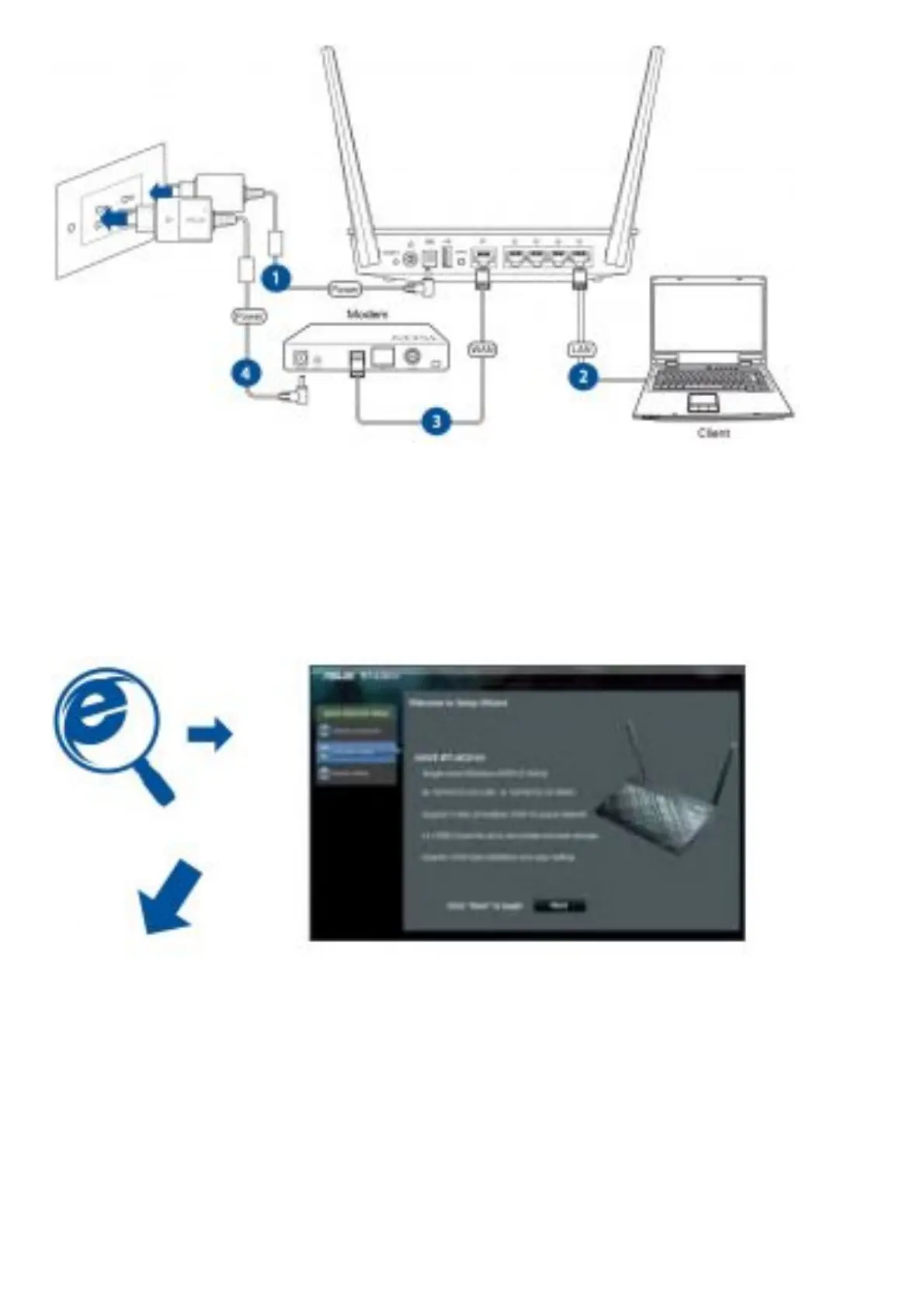
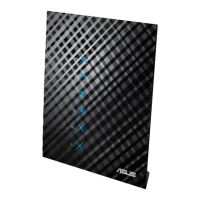
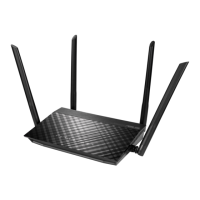
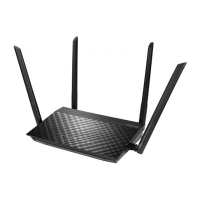
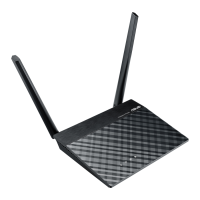
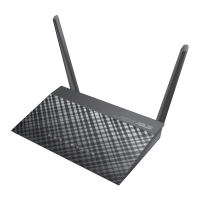
1. Insert your wireless router’s AC adapter to the DC-IN port and plug it to a power outlet.
2. Using the bundled network cable, connect your computer to your wireless router’s LAN port.
IMPORTANT! Ensure that the WAN and LAN LEDs are blinking.
3. Using another network cable, connect your modem to your wireless router’s WAN port.
4. Insert your modem’s AC adapter to the the DC-IN port and plug it to a power outlet. NOTE: Before you proceed,
disconnect the wires/cables from your existing modem setup. After two minutes, reconnect the wires/cables.
2. Launch the web browser and follow the Quick Internet Setup (QIS) steps.
for Automatic IP (DHCP)


 To Next Page