7
English
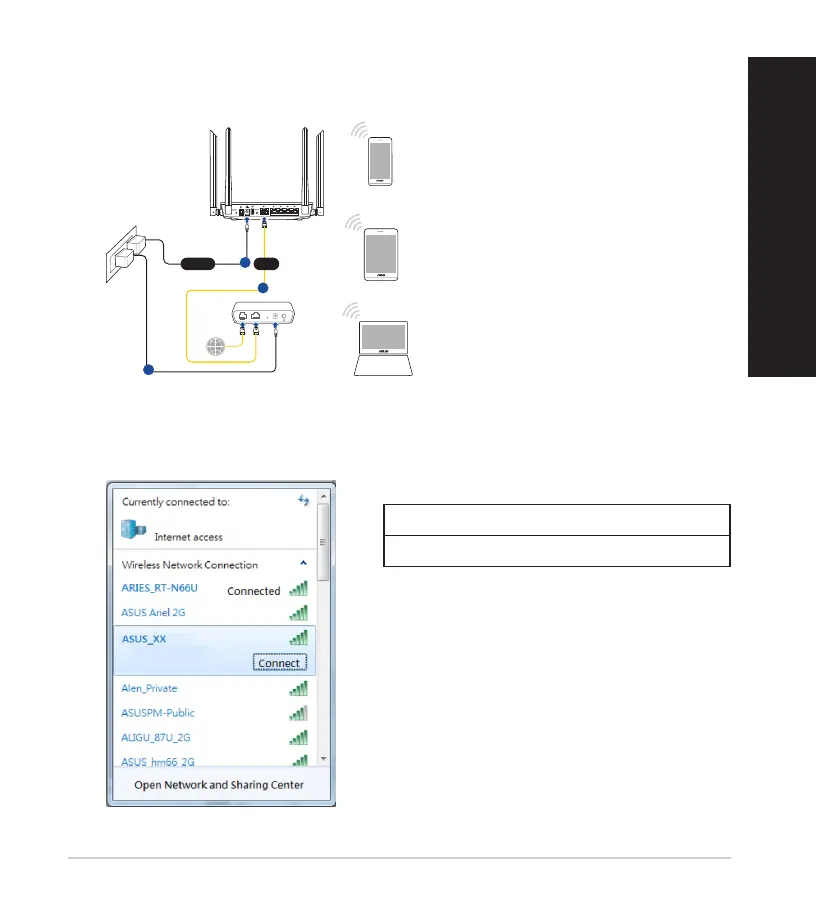
2. Connect to the network with SSID shown on the product label on the back side
of the router. For better network security, change to a unique SSID and assign
a password.
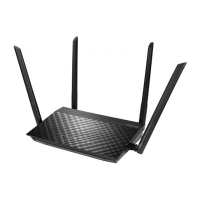
ASUS router
2.4G Wi-Fi Name (SSID): ASUS_XX
5G Wi-Fi Name (SSID): ASUS_XX
* XX refers to the last two digits of 2.4GHz
MACaddress.Youcannditonthelabel
on the back of your RT-AC59U.
B. Wireless connection
1. Plug your router into a power outlet and power it on.
Tablet
Smart phone
RT-AC59U
Modem
Wall Power Outlet
LINE LAN RESET PWR
Power
1
WAN
3
2
* Scan the QR code on the back of your
router for quick Wi-Fi connection.



 To Next Page