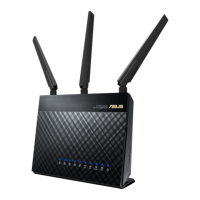
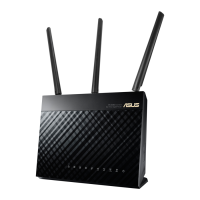
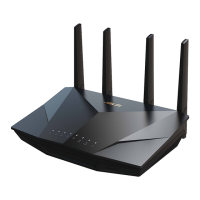
Setup Guide Asus Router
Step 1
Connect to the ASUS router via an Ethernet cable or wirelessly.
The computer should be cabled to a LAN port of the VPN router or connected to ASUS or ASUS_5G
network.
Open up your web browser, type in 192.168.1.1 in the address bar and hit enter.
It will prompt you to enter the username/password. The default values are: admin (username) and
admin (password).
Once you log in, go to "VPN" option in the left hand side menu.
Select "VPN Client" tab and click "Add profile" button.



 To Next Page