14
Notebook PC E-Manual
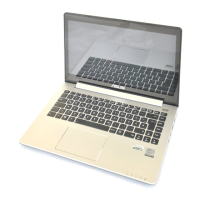
Keyboard
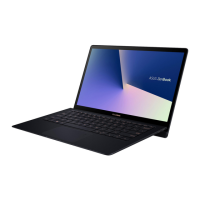
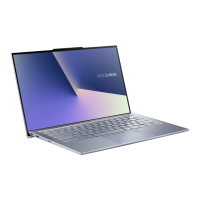
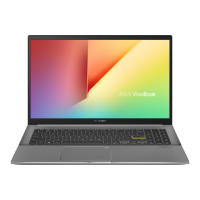
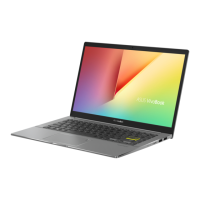
The keyboard provides full-sized QWERTY keys with a
comfortable travel depth for typing. It also enables you to
use the function keys, allows quick access to Windows®, and
controls other multimedia functions.
NOTE: The keyboard layout diers by model or territory.
Touchpad
The touchpad allows the use of multi-gestures to navigate
onscreen, providing an intuitive user experience. It also
simulates the functions of a regular mouse.
NOTE: For more details, refer to the Gestures for the touchpad
section in this manual.
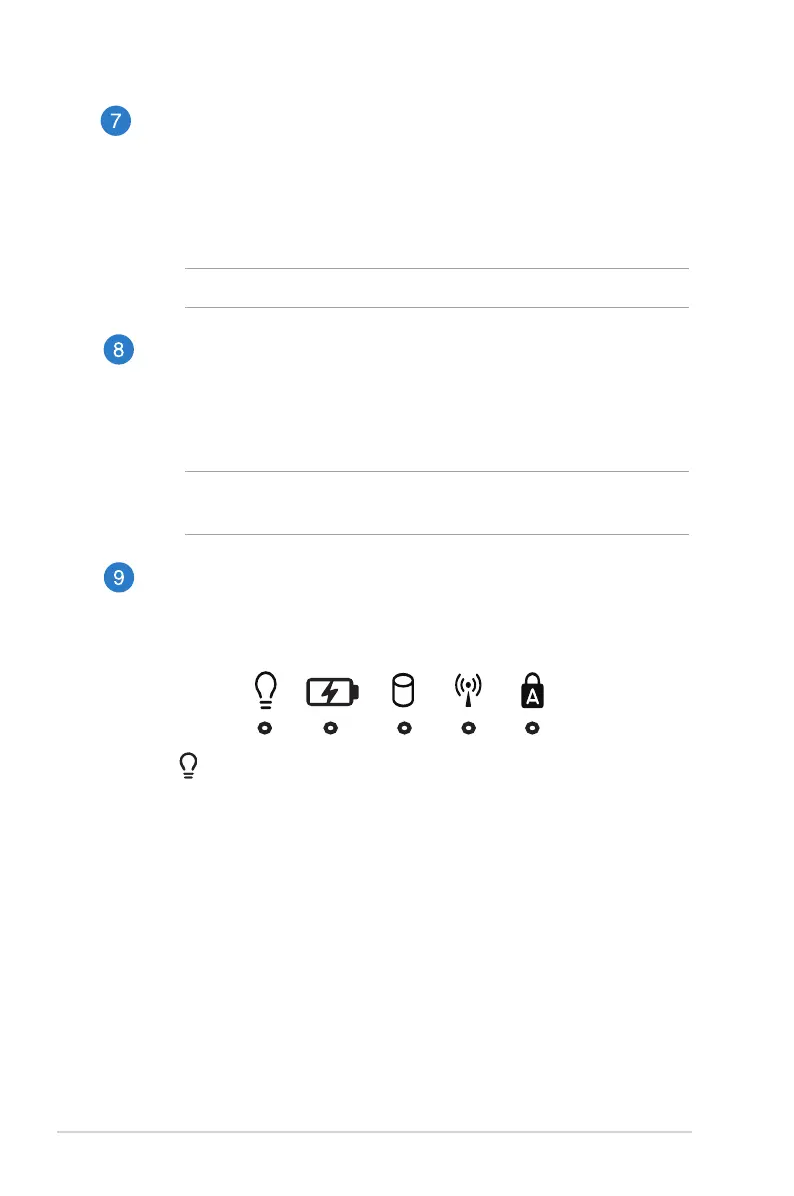
Status indicators
The status indicators help identify the current hardware status
of your Notebook PC.
Power indicator
The power indicator lights up when the Notebook PC
is turned on and blinks slowly when the Notebook PC
is in sleep mode


 To Next Page