Notebook PC E-Manual
37
Windows® 10 keys
There are two special Windows® keys on your Notebook PC’s keyboard
used as below:
Launches the Start menu
Displays the drop-down menu*
* On selected models
Function keys
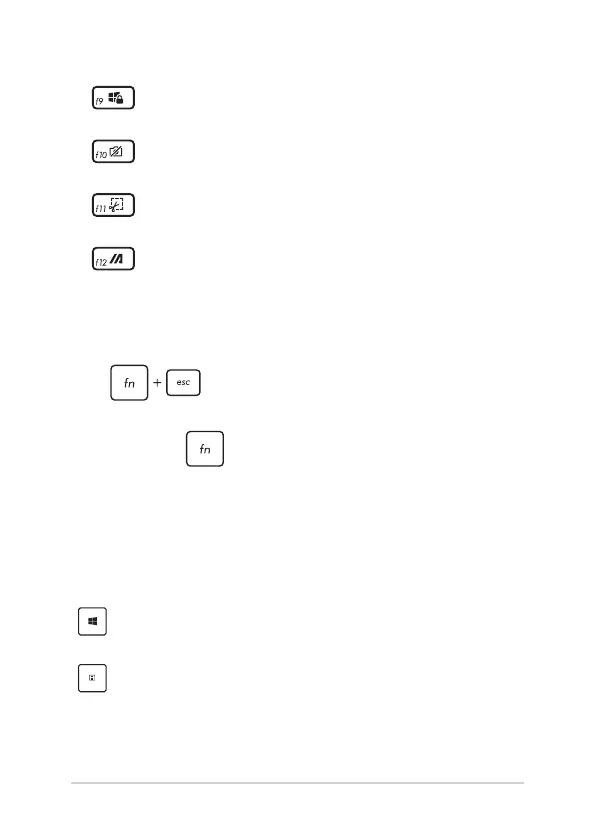
Press to enable or disable the function keys feature.
When the function keys feature is enabled, you can also access HotKeys
by holding down in combination with the top row keys.
Activates the Lock screen
Turns the camera on or o
Activates screen capture tool
Launches My ASUS





 To Next Page