1
Chapter 1 ASUS Splendid
1.1 Introduction
ASUS Splendid Video Intelligence Technology integrates and synchronizes
different multimedia data sources to reduce noise and conversion rate for a sharp
display. It improves contrast, brightness, skin tone, and color saturation
(Red/Green/Blue enhanced independently).
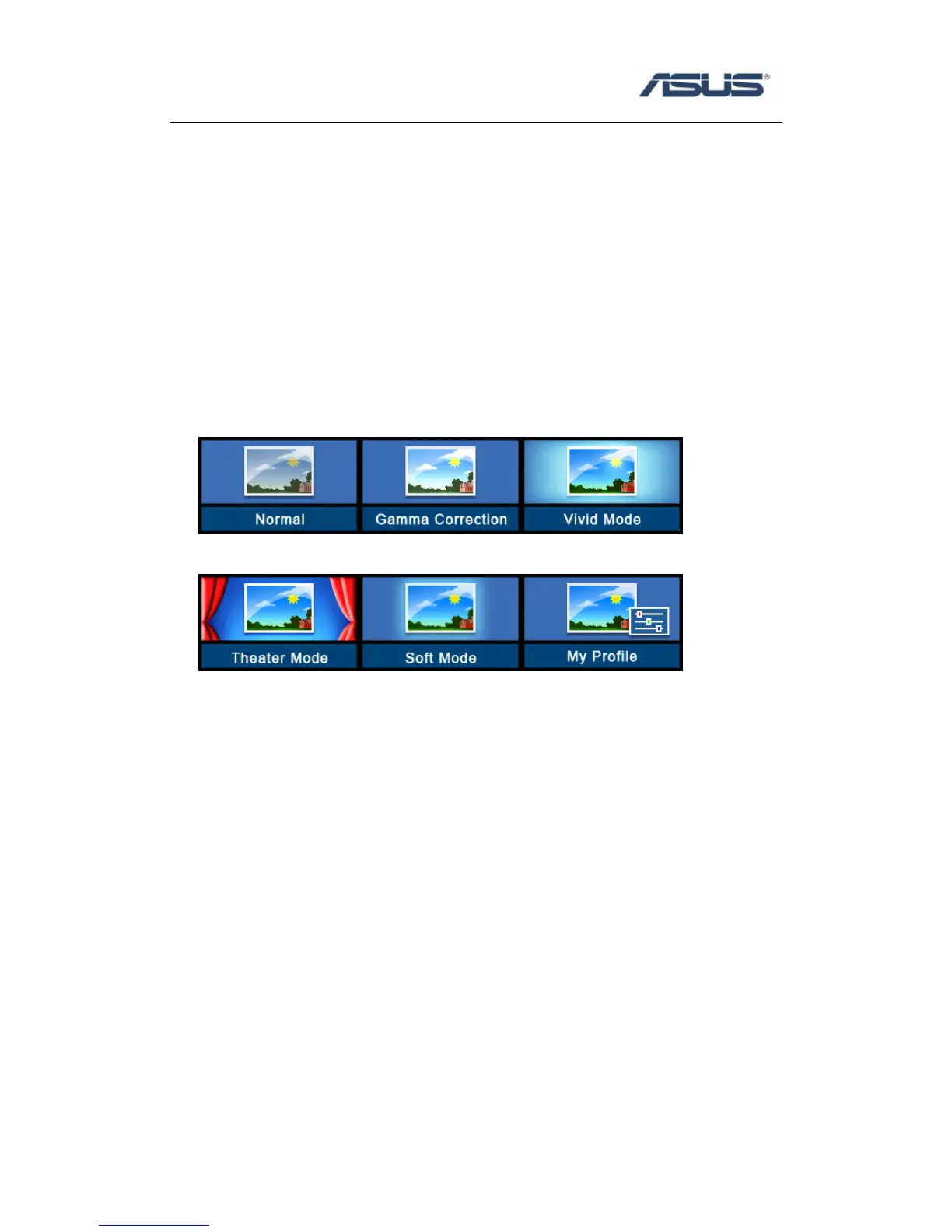
Splendid has six modes to choose: Normal, Gamma Correction, Vivid, Theater, Soft
and My Profile.
You may install the program via Driver & Utility CD if you cannot find the program
from
Start -> All Programs->ASUS Utility and you can use Fn+C as quick switch instant
key.
System will show OSD on screen and switch to the next splendid mode.
The switch order is shown as below,
1. Normal
2. Gamma Correction
3. Vivid
4. Theater
5. Soft
6. My profile



 To Next Page