Connecting your devices
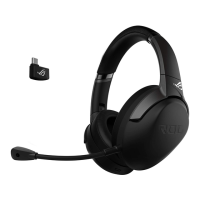
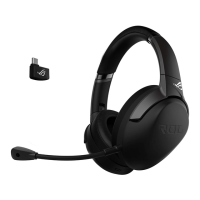
1. ConnecttheheadsettotheHDMIheadsetportoftheStrix7.1controlbox.
2. Connectthesingle-USBendofthebundledUSBY-cabletotheUSBporton
theStrix7.1controlboxandtheotherendtoyourcomputer.
3. Connectthemicrophoneboomtotheheadsetfortwo-waycommunication.
4. Connectingyourspeakers:
a. ConnecttheHDMIconnectorofthebundledHDMIspeakercabletothe
Strix7.1controlbox.
b. ConnectthefourcoloredjacksofthebundledHDMIspeakercabletothe
appropriateaudioportsonyourspeakers.Refertothecolorindicationsof
thefourcoloredjacksbelow.
Mode Selector
(Turn)
Mode On/Off Switch (Press) Mode Parameter Control (Turn)
Main Mute/Unmutetheheadset Adjustthemainlisteningvolume
Center Mute/Unmutethecenter
channel
Adjustthecenterchannelvolume
Sub Mute/Unmutethesubchannel Adjustthesubchannelvolume
Front Mute/Unmutethefront
channels
Adjustthefrontchannelvolume
Rear Mute/Unmutetherearchannels Adjusttherearchannelvolume
Side* Mute/Unmutethesidechannels Adjustthesidechannelvolume
Mic Mute/Unmutetheheadset
microphone
Adjustthemicrophonevolume
Spectrum Turn on/off the spectrum
presets
Selectoneofthespectrumpresets:
•FPSimmersion
•FPSFootstep
•Action/RPG
•Racing
Lighting Tune on/off the headset lighting Selectbetweenthelightingmodes:
•Constantlight
•Breathinglight
Fourquick-accessbuttonsarealsoavailablefor:
• Switchingbetween7.1-channelandstereomode
• Turningon/otheheadphoneamplier
• Muting/unmutingthemicrophone
• Switchingbetweenheadsetandspeakers
BelowisthelistoffunctionsoftheModeSelectorandModeOn/OSwitch&
ModeParameterControl:
NOTE:The5.1-channel(6channels)contentshavenosoundonthesidechannels.
English












 To Next Page