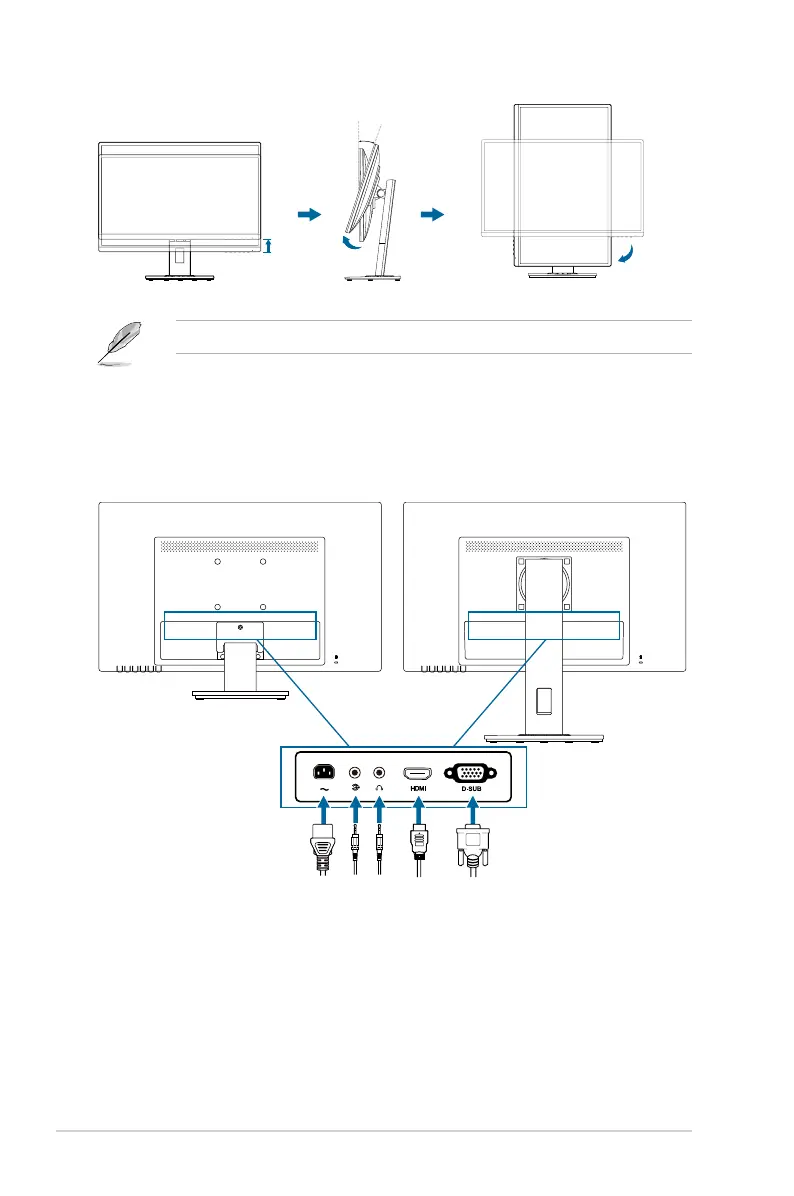
2-4 Chapter 2: Setup
130mm
-5°~+35°
0°
90°
It is normal that the monitor slightly shakes while you adjust the viewing angle.
2.4 Connecting the cables
Connect the cables as the following instructions:
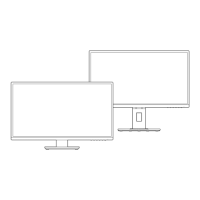
VA279HAL / VA279HAELVA279HA / VA279HAE
: Connect one end of the power cord securely to
the monitor’s AC input port, the other end to a power outlet.
:
a. Plug one end of the VGA/HDMI cable to the monitor’s VGA/HDMI jack.
b. Connect the other end of the VGA/HDMI cable to your computer's VGA/
HDMI jack.
c. Tighten the two screws to secure the VGA connector.



 To Next Page