ASUS Tablet Manual
7
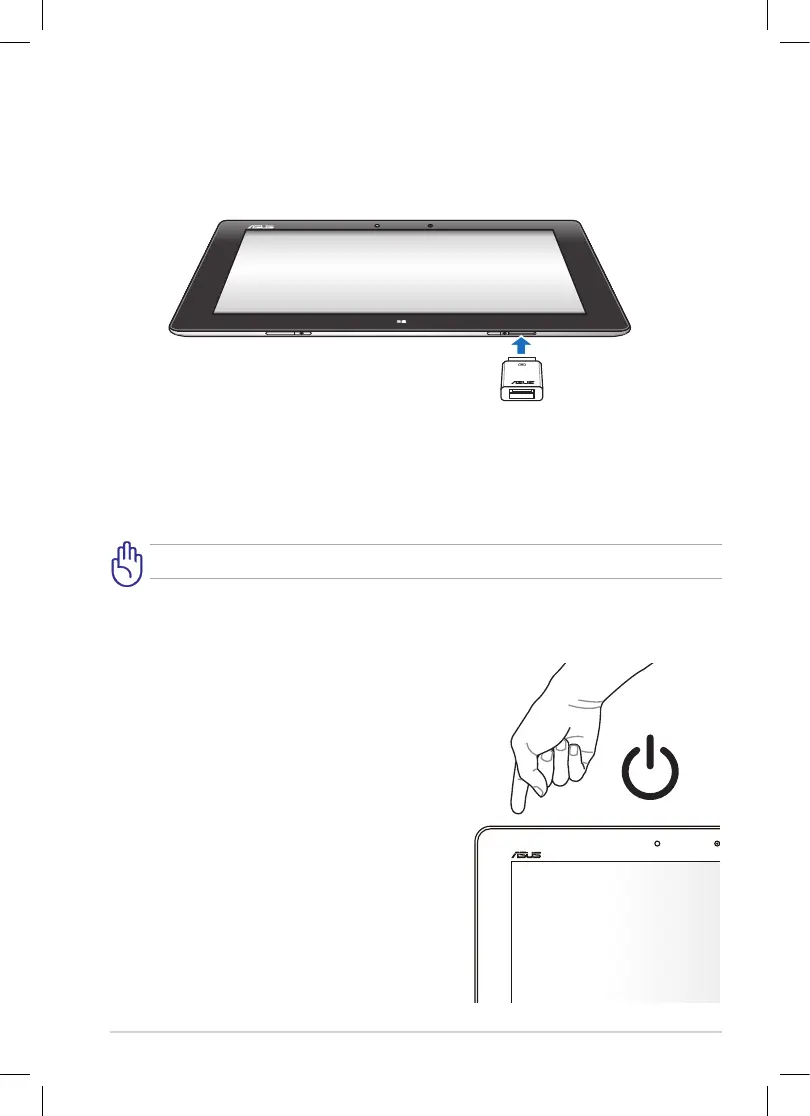
Using the USB dongle
The USB dongle allows you to connect a USB device to your tablet. You can access
the contents of your ash drives or external HDDs, connect a speaker, use a mouse
or a keyboard and other USB devices.
To use the USB dongle:
1. Connect the bundled USB dongle’s connector to your tablet’s dock port.
2. Insert the USB device to the USB dongle’s USB port.
Ensure that the 36-pin USB dongle is fully inserted to your device.
Turning your device on
To turn your device on:
Press and hold the power button for one (1)
second.



 To Next Page