
 Need help?
Do you have a question about the Asus XG27AQMR and is the answer not in the manual?
Provides step-by-step instructions on how to assemble the monitor stand and base.
Details the various ports on the monitor and how to connect cables.
Explains the monitor's controls, power indicator, and special functions like GameVisual and GamePlus.
Offers guidance on adjusting the monitor's angle for optimal viewing and stability.
Explains the process for detaching the monitor stand for VESA wall mounting.
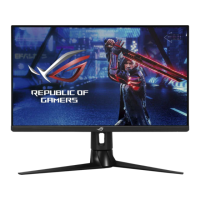
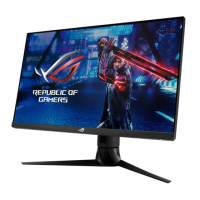
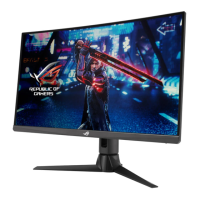
Lists the technical specifications of the monitor model XG27AQMR.
Provides common problems and their possible solutions for monitor issues.
 General
| Screen Size | 27 inches |
|---|---|
| Response Time | 1 ms (GTG) |
| Panel Type | IPS |
| HDR | HDR10 |
| Contrast Ratio | 1000:1 |
| Viewing Angle | 178° (H) / 178° (V) |
| Resolution | 2560 x 1440 |
| Brightness | 400 cd/m² |
| Color Gamut | DCI-P3 95% |
| Connectivity | DisplayPort 1.4, HDMI 2.0 |
| VESA Mount Compatible | Yes (100x100mm) |
| Adaptive Sync | NVIDIA G-SYNC Compatible |
| Ports | 1x HDMI 2.0, 1x DisplayPort 1.4 |




 To Next Page