Copyright © ASUSTek Computer Inc. All Right Reserved. http://www.asus.com/ P.5
ASUS Xonar D2 Audio Card
RMAA6.0.5 Test Guide V.1.1
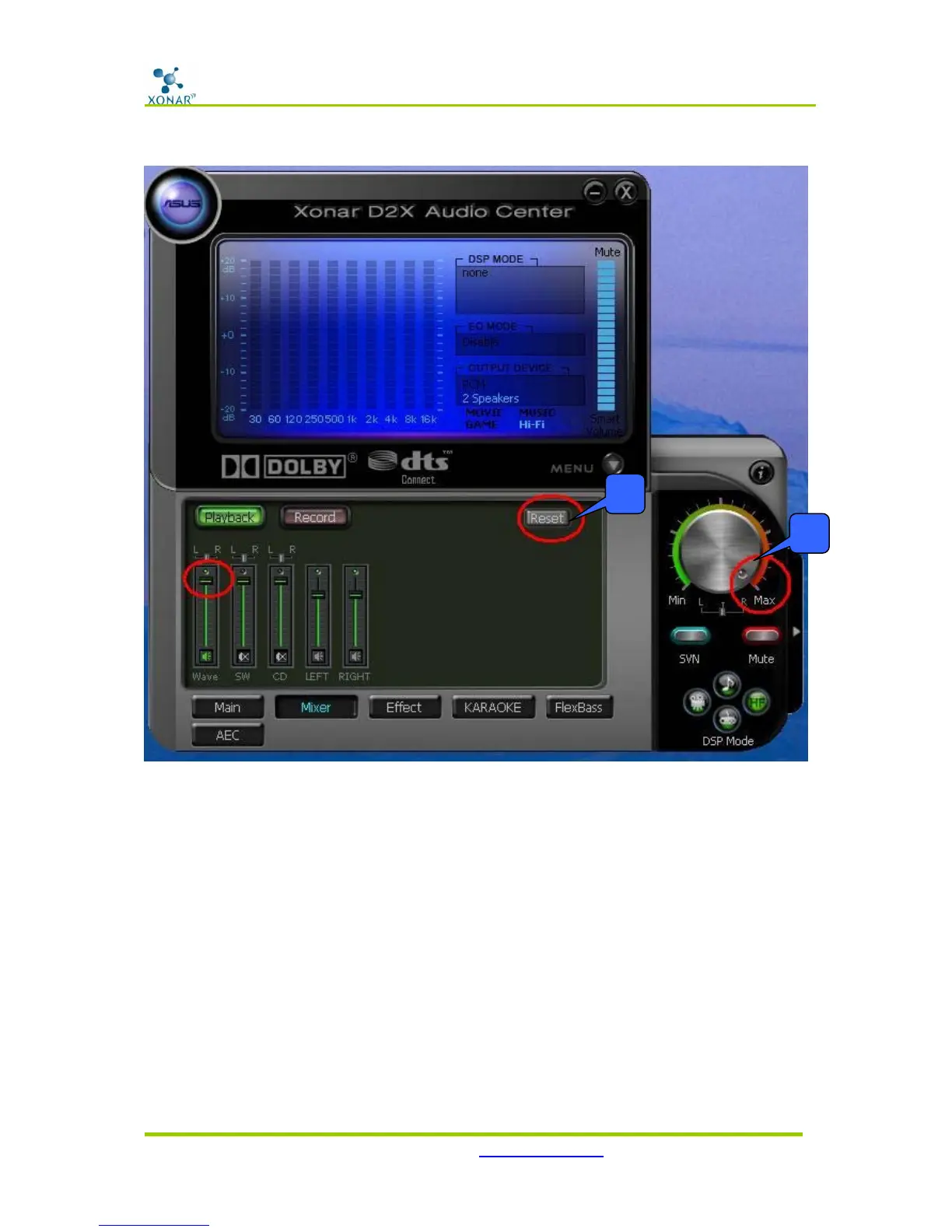
5. Click “Reset” on the playback volume mixer page to keep the volume setting on default.
6. Turn the master volume to the MAX level (0dB)
2. Configuration and Test with RMAA
Start RMAA and follow the setup procedure below.
1. Select the playback device as “[DirectSound]ASUS Xonar D2 Audio” (or [MME] ASUS
Xonar D2 Audio) and recording device as “[MME] ASUS Xonar D2 Audio”. (Please also
mind that NOT to select “ASUS Xonar D2 Audio Converter”, which is for ALT and PMP
purpose.)
5
6



 To Next Page