EasyManua.ls Logo

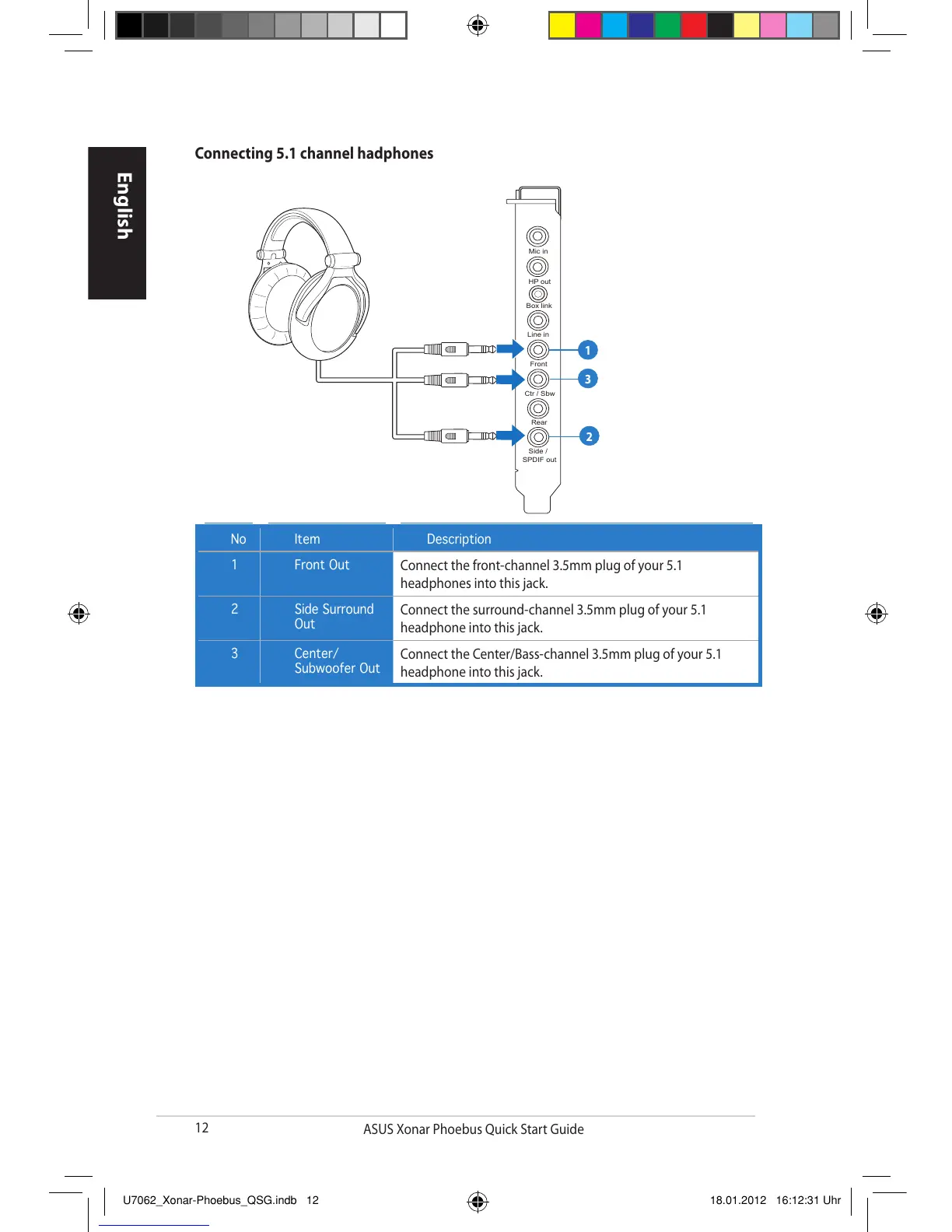
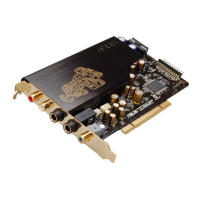
Asus XONAR PHOEBUS - Connecting 5.1 Channel Headphones

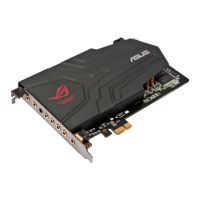
Asus XONAR PHOEBUS
122 pages
Print Icon
To Next Page IconTo Next Page
To Previous Page IconTo Previous Page
Loading...
12
ASUS Xonar Phoebus Quick Start Guide
English
No Item Description
1 Front Out
Connect the front-channel 3.5mm plug of your 5.1
headphones into this jack.
2 Side Surround
Out
Connect the surround-channel 3.5mm plug of your 5.1
headphone into this jack.
3 Center/
Subwoofer Out
Connect the Center/Bass-channel 3.5mm plug of your 5.1
headphone into this jack.
Connecting 5.1 channel hadphones

Mic in
HP out
Box link
Line in
Front
Ctr / Sbw
Rear
Side /
SPDIF out
1
2
3
U7062_Xonar-Phoebus_QSG.indb 12 18.01.2012 16:12:31 Uhr

Related product manuals