EasyManua.ls Logo

ATE Vitrek V60 Series - User Manual

ATE Vitrek V60 Series
67 pages
Print Icon
To Next Page IconTo Next Page
Loading...
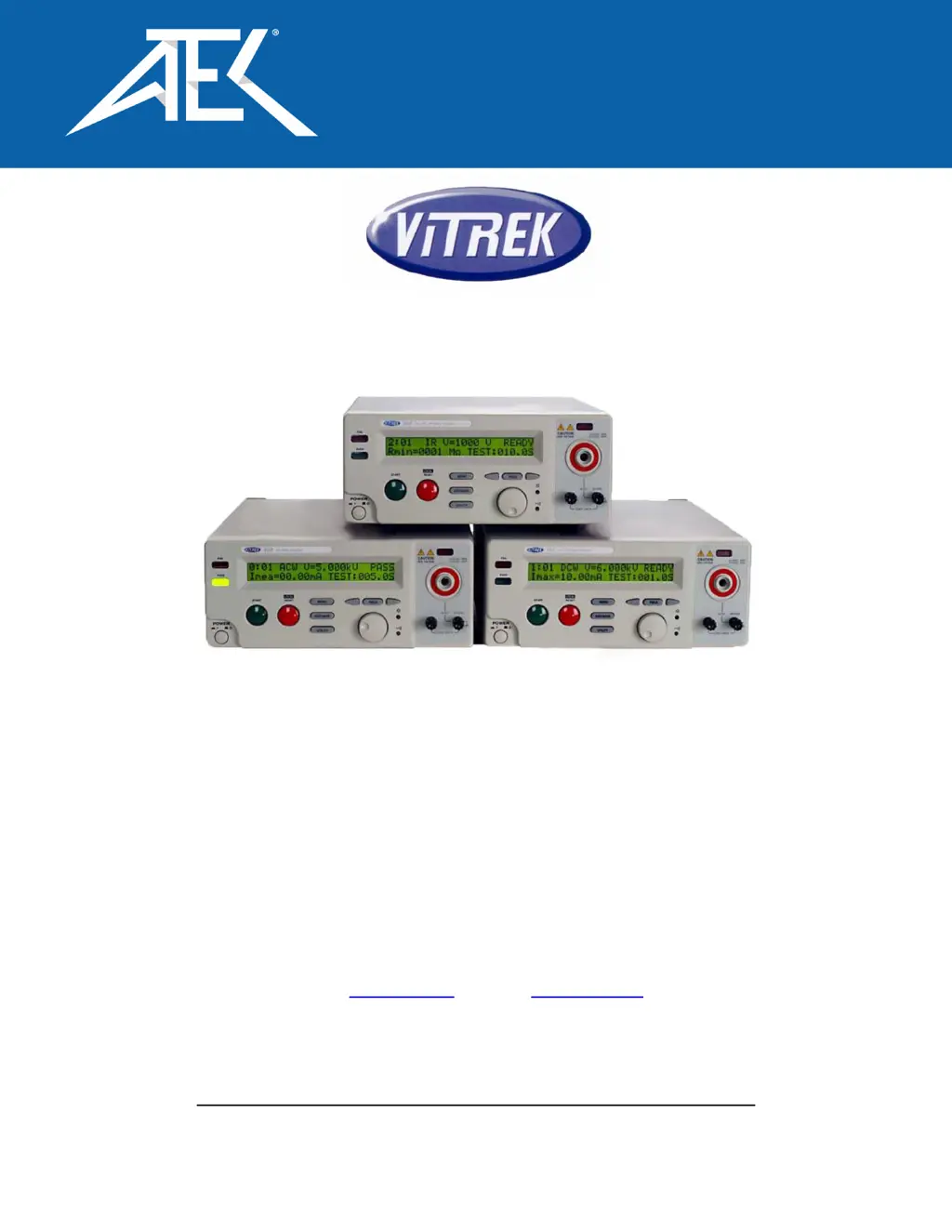
V60 Series Electrical Safety Testers
Operating Manual
For all Models V60, V61, and V63
9880A Via Pasar, San Diego CA 92126 USA
V: (858)689-2755 F: (858)689-2760
Web: www.vitrek.com
E-mail: info@vitrek.com
Copyright Vitrek Corporation 2000-05, all rights reserved, rev 6/10/2005
Advanced Test Equipment Corp.
www.atecorp.com 800-404-ATEC (2832)

Questions and Answers

  • R
    Rachel JordanAug 11, 2025
    What to do if ACW/DCW test fails immediately on ATE Vitrek V60?
    • J
      jacqueline49Aug 11, 2025
      If the ACW or DCW test fails immediately, even without a DUT connected, the minimum current setting may be the issue. Ensure it is set to 0.00mA. Any reading below the set minimum will trigger an immediate failure.
  • S
    Sandra WarnerAug 17, 2025
    Why doesn't the start button work on my ATE Vitrek V60?
    • J
      Jordan AnthonyAug 17, 2025
      If the start button on your ATE Test Equipment isn't initiating the test, it might be because the unit is set to PLC mode 3. To resolve this, press the “Utility” key, use the knob to select “TEST CONTROL MODE”, press the “SAVE/EDIT” key to edit the field, and use the knob to select “MODE 1: Normal”. Finally, press “SAVE/EDIT” to save the setting and “MENU” to exit the utility mode. The unit will now operate from the front panel.
  • J
    jasminelittleAug 23, 2025
    What does 'Error ACW Hot Heatsink' mean on ATE Vitrek V60?
    • B
      Brett LarsenAug 23, 2025
      The “Error ACW Hot Heatsink” message on your ATE unit indicates overheating due to high current usage. The V60 series EST’s are not designed to source current above 10mA for more than 10 seconds. Reduce the duty cycle when using current above 10mA to prevent overheating.
  • M
    Melinda BarreraAug 29, 2025
    How to enable PLC start input on ATE Test Equipment?
    • A
      Aaron LiuAug 29, 2025
      If the PLC start input isn't working on your ATE Test Equipment, the unit might not be in the correct PLC mode. To fix this, press the “Utility” key, use the knob to select “TEST CONTROL MODE”, press the “SAVE/EDIT” key to edit the field, and use the knob to select “MODE 3: PLC ENABLE”. Then, press “SAVE/EDIT” to save the setting and “MENU” to exit the utility mode, configuring the unit for remote operation.
  • D
    Douglas WilcoxSep 4, 2025
    How to fix ATE Test Equipment when it passes continuity test with disconnected leads?
    • W
      Whitney LynchSep 4, 2025
      If your ATE Test Equipment passes the continuity test even when the leads are disconnected, it's likely due to improper test lead zeroing. To correct this, press the “Utility” key, use the knob to select “Conti Calibration Util,” short the continuity test leads together, and then press the “start” button.

ATE Vitrek V60 Series Specifications

General IconGeneral
DisplayLCD
AC Voltage Output0 to 5 kV
DC Voltage Output0 to 6 kV
Ground Bond Resistance0.001 Ω
Safety StandardIEC
InterfaceRS-232
Frequency Range50 Hz to 60 Hz