EasyManua.ls Logo

ATEN CS231 - User Manual

ATEN CS231
36 pages
Print Icon
To Next Page IconTo Next Page
Loading...
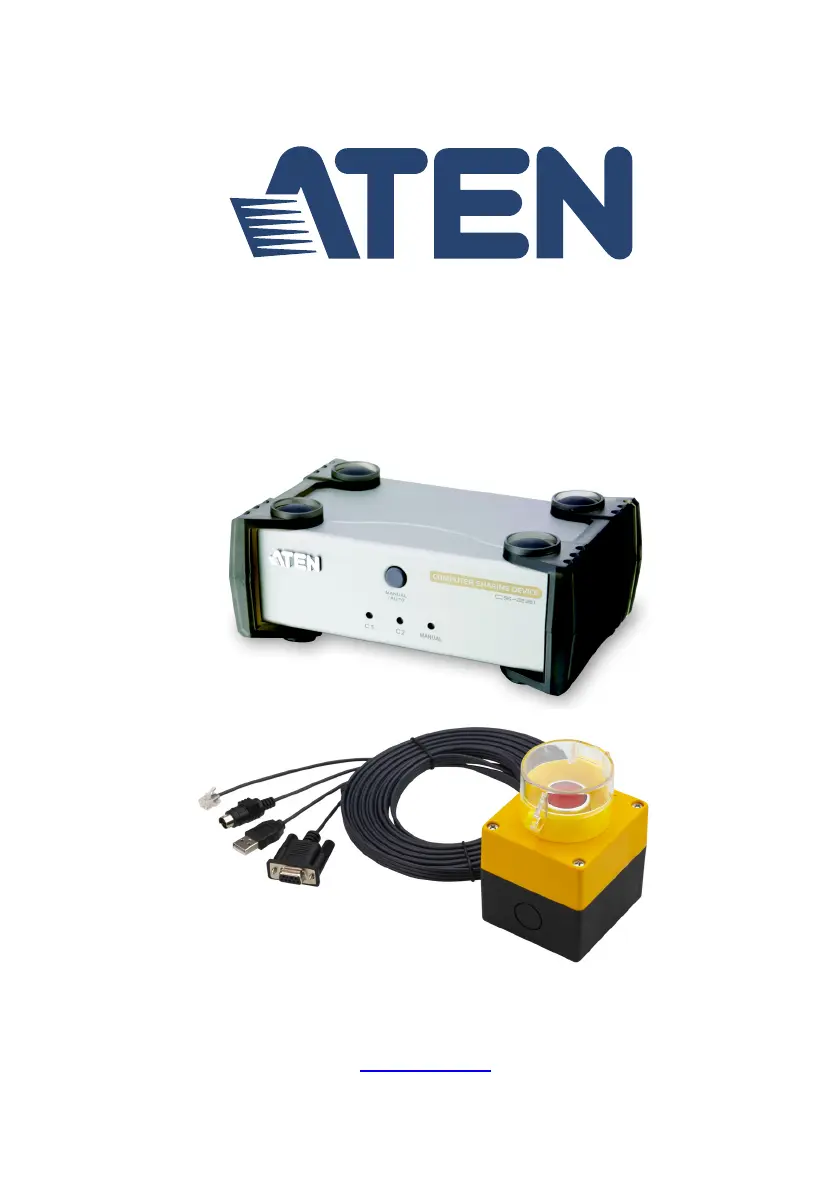
Computer Sharing Device
CS231 / CS231TK User Manual
www.aten.com

Other manuals for ATEN CS231

Questions and Answers

  • R
    Robert MooreAug 8, 2025
    What to do if mouse and keyboard not working with ATEN IP Access Controllers?
    • J
      Joshua ValenciaAug 8, 2025
      First, ensure the KVM cable connectors are firmly secured to the computer port on the CS231 / CS231TK and to the keyboard and mouse ports on the computer before connecting the power cable or turning on the computer. Also, try pressing the Manual/Auto Mode Button to switch the console.
  • J
    John SanchezAug 22, 2025
    Why can't I see the entire desktop on higher resolution monitor with ATEN IP Access Controllers?
    • T
      tnewmanAug 22, 2025
      The monitor with the lowest screen resolution sets the maximum screen resolution that can be used. To resolve this, choose a screen resolution in the computer’s graphics card settings that is supported by both monitors.

Summary

Package Contents

Chapter 1 Introduction

Features

Lists key features of the CS231/CS231TK and its IP Access Control Box accessory.

System Requirements

Chapter 2 Hardware Setup

Installation Diagram

Visual representation of the hardware setup.

Chapter 3 Basic Operation

Chapter 4 Operation

DIP Switch Settings Table

Table detailing functions for DIP switch pins.

Hotkey Setting Mode

How to invoke and use Hotkey Setting Mode.

Auto Mode

Explains the rules and behavior of Auto Mode.

Private Mode (Console 1)

How Console 1 can control the system privately.

Manual Mode

Explains the operation and invocation of Manual Mode.

HSM Summary Table

Lists functions available via HSM.

Chapter 5 The Firmware Upgrade Utility

Upgrade Failed

Information displayed if the firmware upgrade fails.

Before You Begin

Steps to prepare for firmware upgrade.

Starting the Upgrade

Steps to initiate the firmware upgrade process.

Appendix

Safety Instructions

General safety precautions for using the device.

Specifications

Technical specifications for CS231 and 2XRT-0015G.

Troubleshooting

Common problems and their solutions.

General

Specific safety guidelines for indoor use and handling.

ATEN CS231 Specifications

General IconGeneral
BrandATEN
ModelCS231
CategoryNetwork Hardware
LanguageEnglish

Related product manuals