Atheros Communications, Inc. • x
xiii
February 2011
Adapter IP
Address
Displays the IP address of the wireless adapter.
Exit
Exit the Atheros Client Utility application.
The colors are defined as follows:
Color Q
uality RSSI*
Green Excellent 20 dB +
Green Good 10-20 dB +
Yellow Poor 5-10 dB
Red Poor < 5 dB
Gray No Connection No Connection
*Received signal strength indication RSSI. Displayed in dB or percentage. Enable or
disable the tray icon in the Action menu.
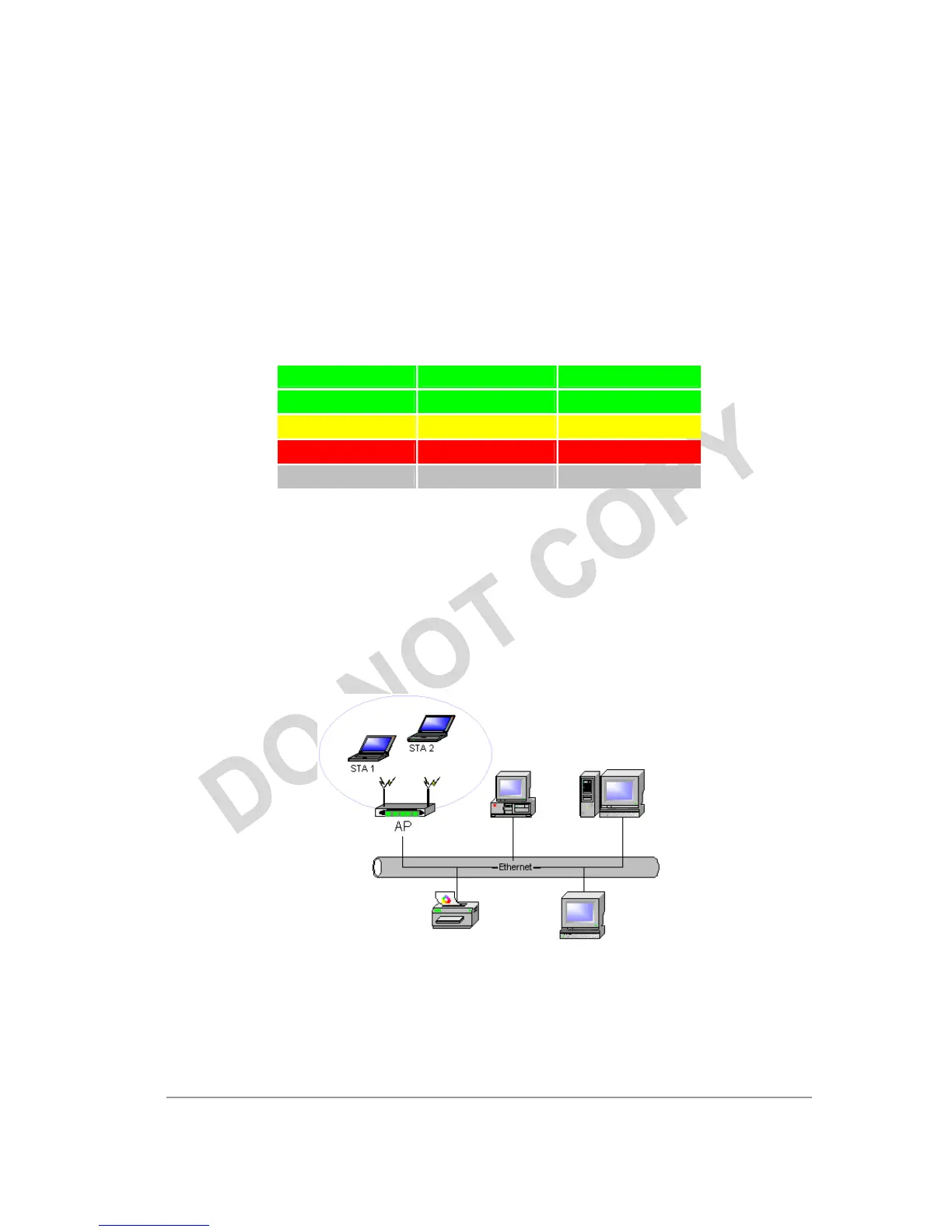
Infrastructure (Access Point) Mode
In infrastructure (access point (AP)) mode, the wireless network adapter participates in a
basic service set (BSS) as a station, and communicates with the other stations through an
AP, as illustrated here.
To connect to an access point network, configure the profile for access point mode.



 To Next Page