Atheros Communications, Inc. • xxv
COMPANY CONFIDENTIAL January 2011
Adapter IP
Address
Displays the IP address of the wireless adapter.
Exit
Exit the Atheros Client Utility application.
The colors are defined as follows:
Color Quality RSSI*
Green Excellent 20 dB +
Green Good 10-20 dB +
Yellow Poor 5-10 dB
Red Poor < 5 dB
Gray No Connection No Connection
*Received signal strength indication RSSI. Displayed in dB or percentage.
Enable or
disable the tray icon in the Action menu.
Ad Hoc Mode
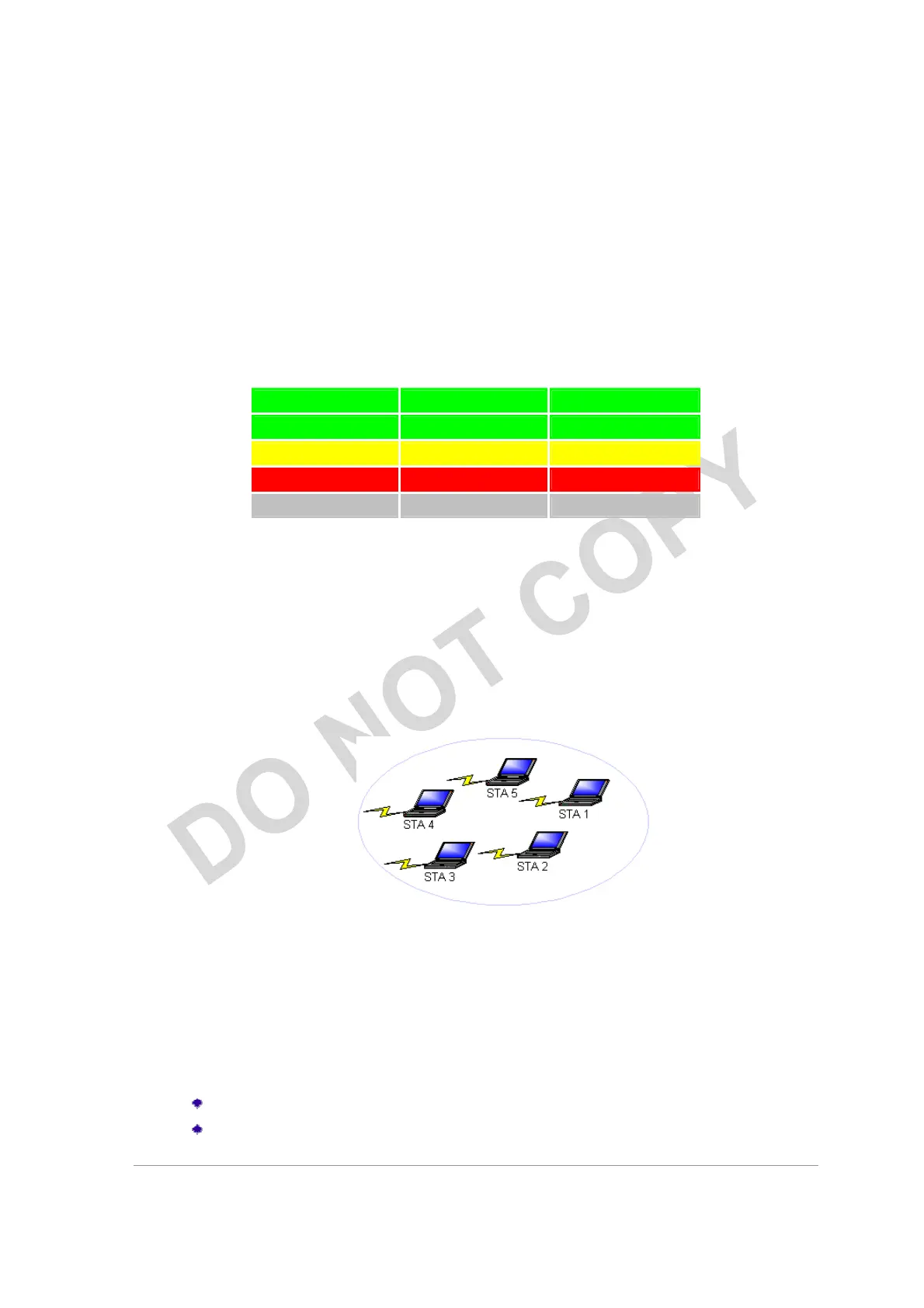
In ad hoc mode, a wireless network adapter works within an independent basic service
set (IBSS), as illustrated here. All stations communicate directly with other stations
without using an access point (AP).
To connect to an ad hoc network, configure the profile for ad hoc mode.
Ad Hoc
operation may be limited by Hardware to meet regulatory requirements.
Ad Hoc Mode Profile Configuration
To configure a profile in ad hoc mode, change the Network Type in the Profile
Management's Advanced tab. For ad hoc mode, modify the settings:
Network Name (on General Tab)
Transmit Power Level



 To Next Page