Atlanta Stretch S.p.A.
11
1.2.2
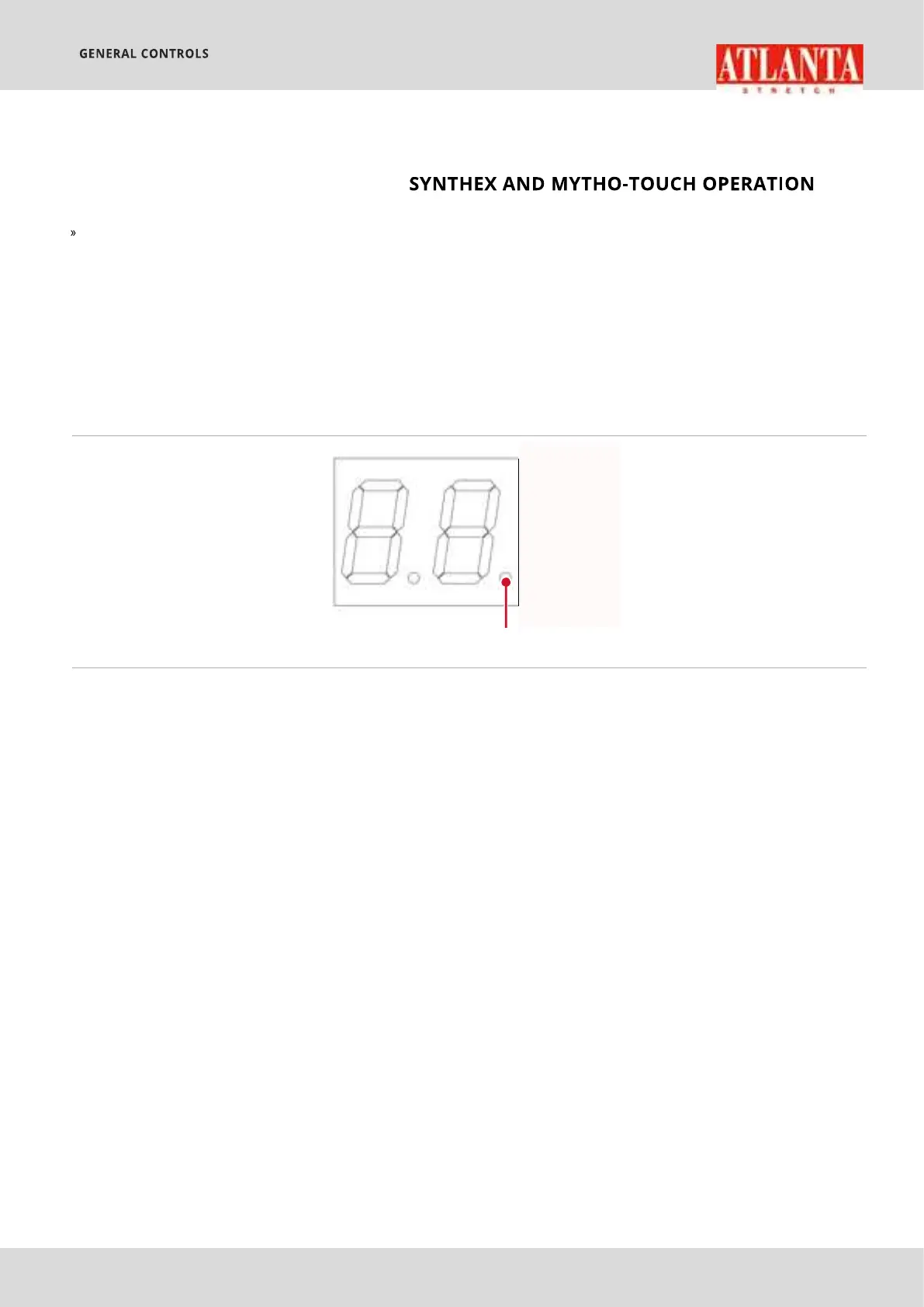
DISPLAY (F)
1
takes place automatically by selecting the
desired programme.
Saving of parameters:
if the LED right of the display
(F)
press the
SAVE
key for more than 4 seconds. This LED will start to flash
rapidly to indicate that the parameters have been saved.
The program P=00 is read-only and it is configured with default values.
Picture 6 - DISPLAY (F)
1) indicates the block status of keyboard
ON: keyboard blocked (
F00
=0)
OFF: keyboard released (
F00
=1)
A total of 99 programs can be created (
model).
in order to copy the parameters of a saved program to a new
one, select the source program, press the
COPY
(S)
icon (
CPY
on display
(V)
to indicate that a copy and paste operation is in progress),
press the keys
P+
and
P-
to select the target program and then press
the
PASTE
(T)
icon.
NB:
The virgin target programme must always be released (
F00
=1).
Automatic opening of the program used previously.
machine is turned on again, the parameters from the last programme
selected and started will be lloaded.
See Picture 5 - pag. 8


 To Next Page