SAFETY
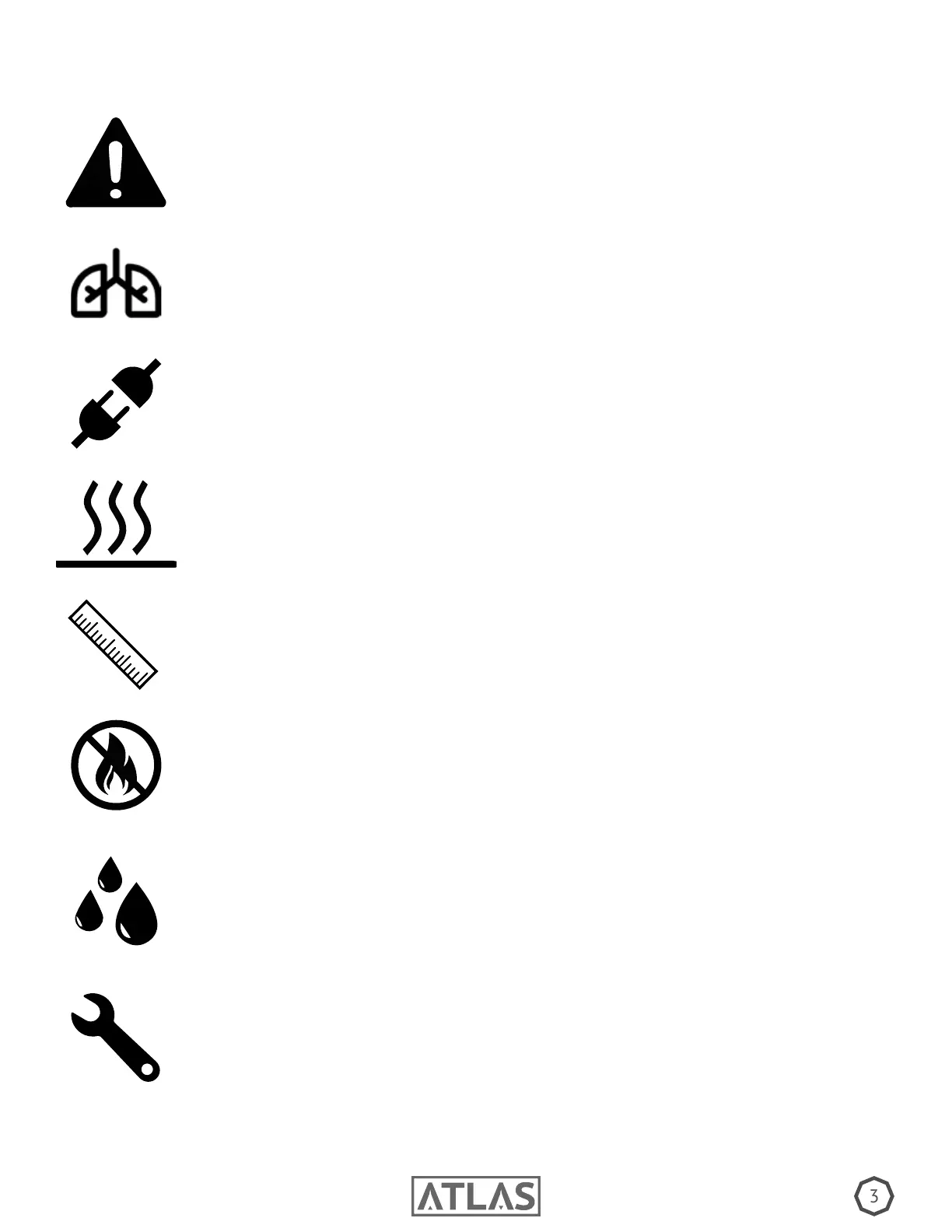
Please read the following information very carefully before operating your machine. This article
contains important details regarding set up, usage, and maintenance. Failure to abide by all warning
labels and instructions may result in personal harm, machine malfunction, and a void in warranty.
Prior to connecting power to your Atlas, verify the machine’s operating voltage matches your
provided voltage, failure to do so may cause internal damage and a void in warranty.
Operate only in a well ventilated area and never leave unit unattended. Fog may set off re
alarms if not properly ventilated. Please allow at least 6 inches of space around unit to avoid
overheating.
Keep the unit dry and away from any moisture and ammables.
Only use Master FX Fog Fluids. Use of any other uids will result in a voided warranty. Always
use caution when pouring uid and avoid any contact with hands and eyes. If contact occurs
rinse thoroughly. If you experience irritation seek medical advice.
Refer to SDS for proper handling.
If machine is not working properly, promptly stop use and contact your Master FX dealer. Repair
and service is to be done only by authorized technicians. Failure to comply will result in a
voided warranty.
6in
Once unit is properly powered and operating, beware of hot surface. Do not set items on top of
the machine and avoid contact with output nozzle. Always disconnect power when not in use.
Persons with asthma or allergic sensitiviy may experience irritation, discomfort, or other allergic
symptoms when exposed to articially produced fog. Please allow sufcent air circulation
around machine at all times.


 To Next Page
 Loading...