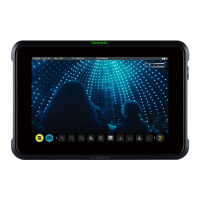
and its details. The three word code is displayed on the image of the device and the device
type appears. When your device is connected to Atomos Cloud, a green circle will appear
next to the device nickname at the top of the device box.
The Connect Menu page of your ZATO CONNECT will also update, with another green circle
indicating that you're connected to the Atomos Cloud. The current mode will also be
displayed under Device Mode, with Device Id used for pairing right next to it.
Note: Since the destination and stream key have not been configured yet, these fields will
stay empty for now.
Next, you will need to configure the services for this device at atomos.cloud. Tap on the +
symbol next to Add Destination in the device box and a new window will open, displaying
the destination options.



 To Next Page