11
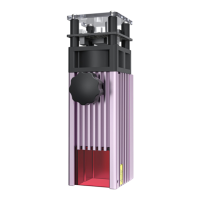
The red indicator light is on:
laser over-temperature protection prompt
The green indicator light is on:
it lights up when the laser is powered on
The blue indicator light is on:
it lights up when the laser is engraving
01.
02.
03.
Installation Guide
Step 5: Indicator light status
Blue Light
Green Light
Red light


 To Next Page