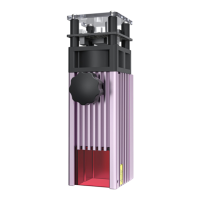
12
01.
02.
03.
04.
05.
06.
Ensure that the tested object is placed
at before focusing (including the test
platform and the material itself)
Put down the focus pole so that the
focus pole just contact to the caed
object to determine the focal length
Tighten the handle to lock the laser
Take back the xed focus pole
Fix focus completed
Set engraving parameters refer to the parameter table
Step 6: Adjust the focal length
Installation Guide


 To Next Page