8
To Find out how many Months are left on the Lamp Timer - Push the reset button for 1-2 seconds
then release. After an initial sound there will be a pause followed by beeping and a flashing LED. The
number of beeps corresponds to the number of months left on the lamp life.
To Reset 1 Year Lamp Timer – WHEN REPLACING THE UV LAMP. Unplug the control box from
the wall outlet. Unplug the UV lamp from the Lamp connector. Replace with a new UV Lamp. Make
sure the control box is plugged into the wall outlet and the UV lamp is on. Press and hold the reset push
button. A tone that descends in frequency once per second will be heard. Hold the reset button down for
approximately 5-8 seconds until you hear a continuous tone. At this point release the button. The 1 year
timer has just been reset.
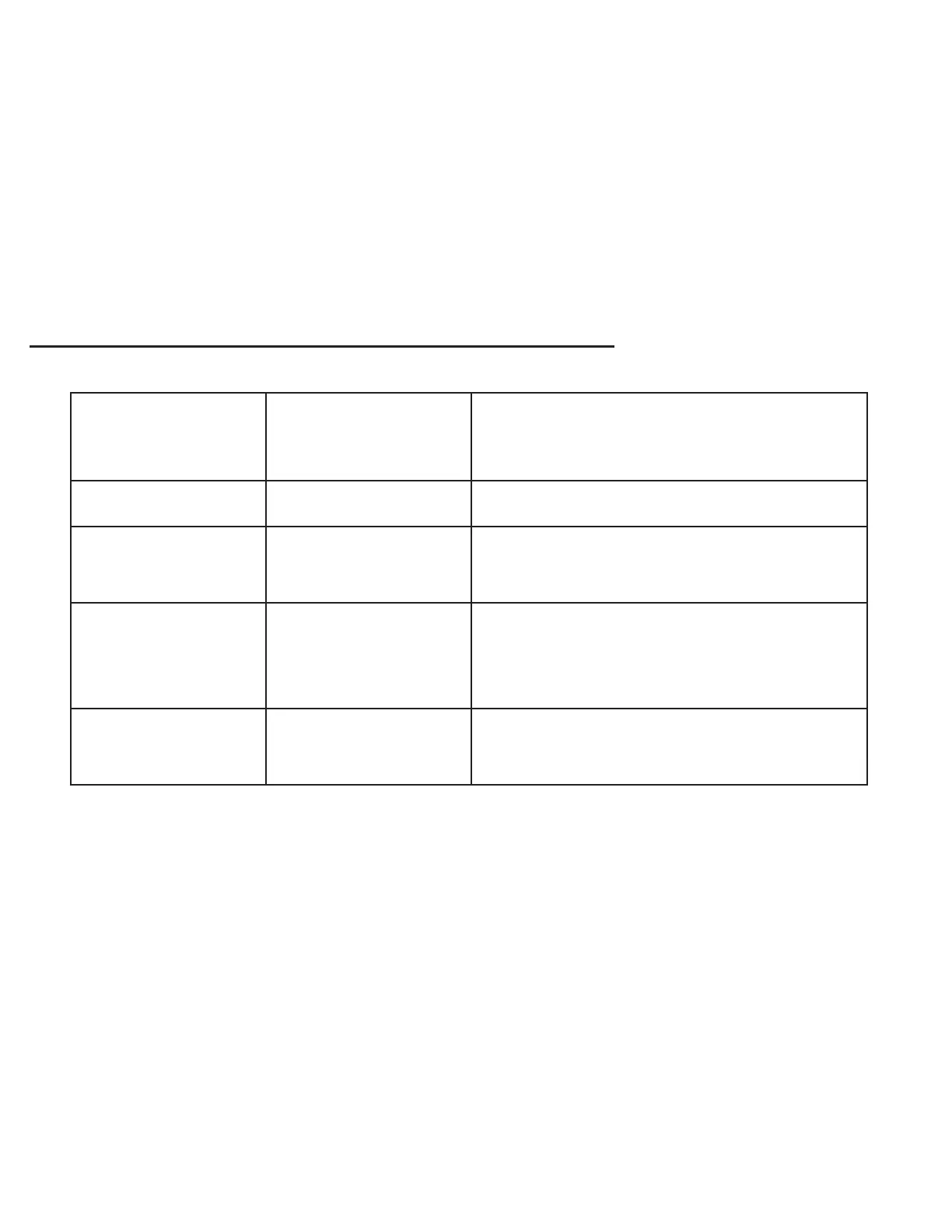
LAMP STATUS INDICATOR / UV LAMP ADVISOR:
LED
COLOR
AUDIBLE
ALARM
UNIT
STATUS
GREEN NONE OK
FLASHING
YELLOW
INTERMITTENT
TONE
REPLACE LAMP WITHIN
30 DAYS.
FLASHING
RED
INTERMITTENT
TONE
LAMP HAS EXCEEDED 1 YEAR
OF OPERATION, REPLACE
LAMPS & RESET.
CONTINUOUS
RED
CONTINUOUS
TONE
UV LAMP IS NOT LIT.
NOTE: During normal operation, the Green LED will flash every 5 - 10 seconds.
Please contact your local dealer for replacement UV lamps.
Refer servicing to qualified service personnel.



 To Next Page