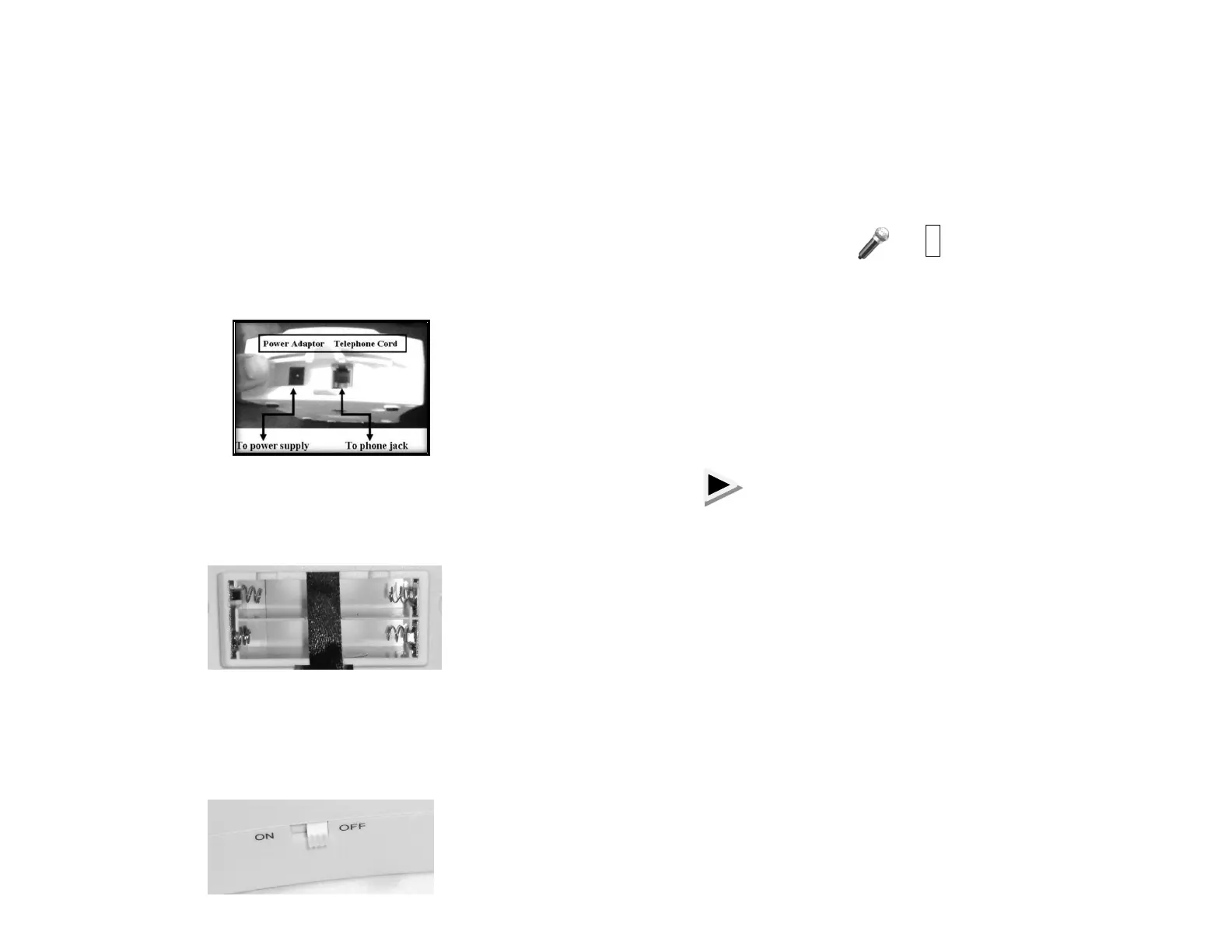
POWER AND TELEPHONE CONNECTION
Open the cover at the top of Base unit
(will see DC jack and telephone plug
socket)
Insert one end of adaptor (included) to DC
jack and other end to AC power supply
outlet
Insert one end of telephone cable (included)
into telephone jack and the other end into
the Base unit
For backup power, insert 4 AAA batteries (not
included) into battery compartment located on
back of unit.
Turn ON unit with switch located at side of unit.
The green LED (power indicator) and red LED
will flash for 3 seconds to indicate unit is ready to
record and store numbers.
HOW TO PERSONALIZE THE
EMERGENCY MESSAGE
Press and hold the above buttons on the keypad – at
the same time.
The Red LED light will come on. You have (6)
seconds to record your personal message.
To playback your recorded message, press button:
NOTE: To change the recorded message, repeat
steps above
Example: “I need help, please press a button to
accept the call”
(If calling from a landline, 911 already has your
location)
#


 To Next Page