Precautions
Multiformat switcher MS-8 Start Up Manual
2
Precautions
Please be sure to follow all precautions related to the safe use of this device.
These precautions are intented to ensure that you use this device properly and to protect both you and others
from personal injury as well as your property from damage.
Please read these precautions before using the device and store this manual in a safe place.
Please be sure to review and understand the meaning of the following terms and symbols before reading this
manual.
Warning
This symbol is used to indicate precautions which if ignored could
potentially result in death or severe personal injury.
Caution
This symbol is used to indicate precautions which, if ignored, could
potentially result in either personal injury or property damage.
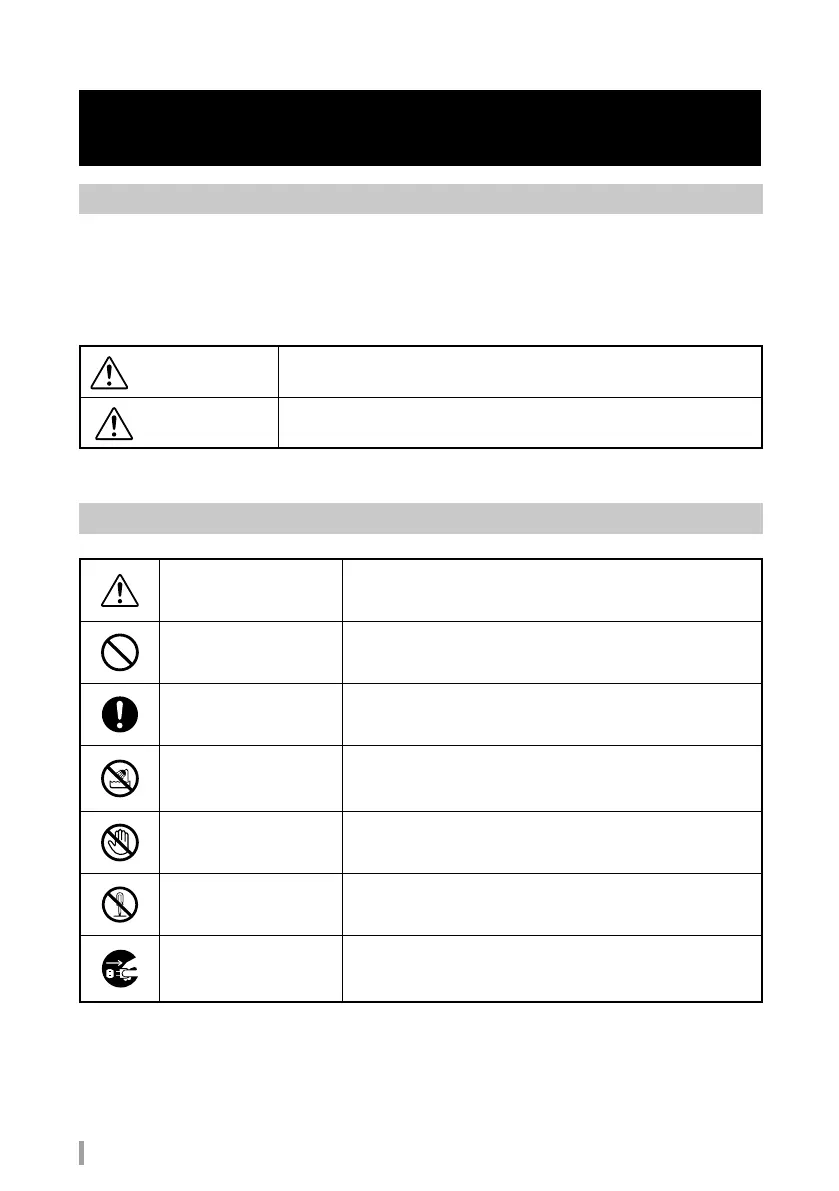
Meanings of pictorial symbols
Caution
Caution: Indicates directions that must be followed, and is used
to mark off a paragraph or illustration that provides detailed
instructions.
Prohibited
Prohibited: Indicates an action that is prohibited, and is used
to mark off a paragraph or illustration that provides detailed
instructions.
Mandatory
Mandatory: Indicates an action that must always be performed,
and is used to mark off a paragraph or illustration that provides
detailed instructions.
The use of this device in
shower stalls or bathtubs
is prohibited.
The use of this product inside a shower stall or bathtub could
result in re or electrical shock and cause serious damage. Refer
to the illustration for detailed instructions on prohibited actions.
Touching this device is
prohibited.
Touching this product could result in fire or electrical shock
and cause serious damage. Refer to the illustration for detailed
instructions on prohibited actions.
Disassembly prohibited
Dissaembling this product could result in electrical shock or other
cause of personal injury. Refer to the illustration for detailed
instructions on prohibited actions.
Unplug the adapter and
cable
Indicates that the user should unplug the AC adapter from the
wall socket or the USB cable from the computer. Refer to the
illustration for detailed instructions.



 To Next Page