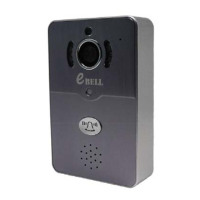
Device Info: Display the current firmware information of the device.
Date and Time: Set device time, the default automatic time synchronization network.
Media Settings: Set image format (N/P) and reversal.
Security Settings: Modify Admin Password.
Network Settings: Switch the wired network and WiFi network.
Alarm Settings: Configure the door phone alarm information.
Record Settings: Set the recording mode (optional, need to work with TF card).
Defence Area: Not available
Storage Setting: Check the TF card information
Device Update: Check device firmware update
8. APP Function Introduction
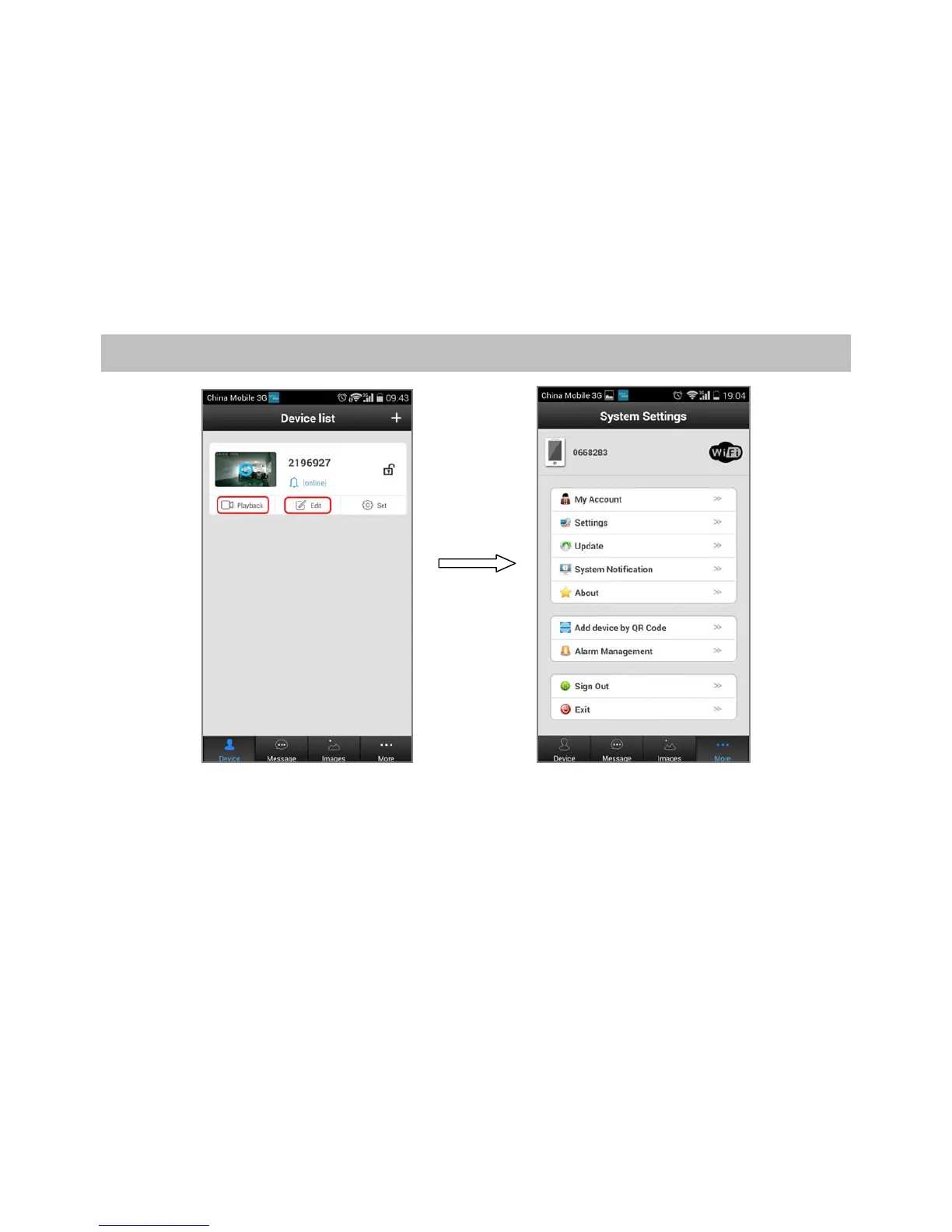
Playback: Play TF card recording (optional).
Edit: Edit device name and password.
Device: Display the device list.
Message: Record the visitor and alarm messages.
Image: Record the screenshot.
More:
My Account: Check and configure information about current account, modify the account password.
Settings: Configuration alarm and call ring, automatically start and hang up, icon configuration.
Update: Check APP update version
System Notification: Important system notification
About: APP description and version
Add device by QR Code: As tips, scan the QR code to configure WiFi network and add IP doorbell.
Alarm Management: Configure alarm interval and alarm shielding device.
Sign Out: Sign out current account
Exit: Exit APP


 To Next Page
 Loading...