EasyManua.ls Logo

ATZ E-BELL - Network Configuration

ATZ E-BELL
10 pages
Print Icon
To Next Page IconTo Next Page
To Previous Page IconTo Previous Page
Loading...
4. Network Configuration
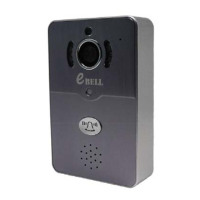
1. Power on the doorbell and wait for starting. (It will have the sound tip if the doorbell starts).
2. Smartlink mode to make Wi-Fi connection - within 5 minutes with doorbell power on.
Tip: Ensure the Wi-Fi that you set can connect to the mobile phone or tablet normally.
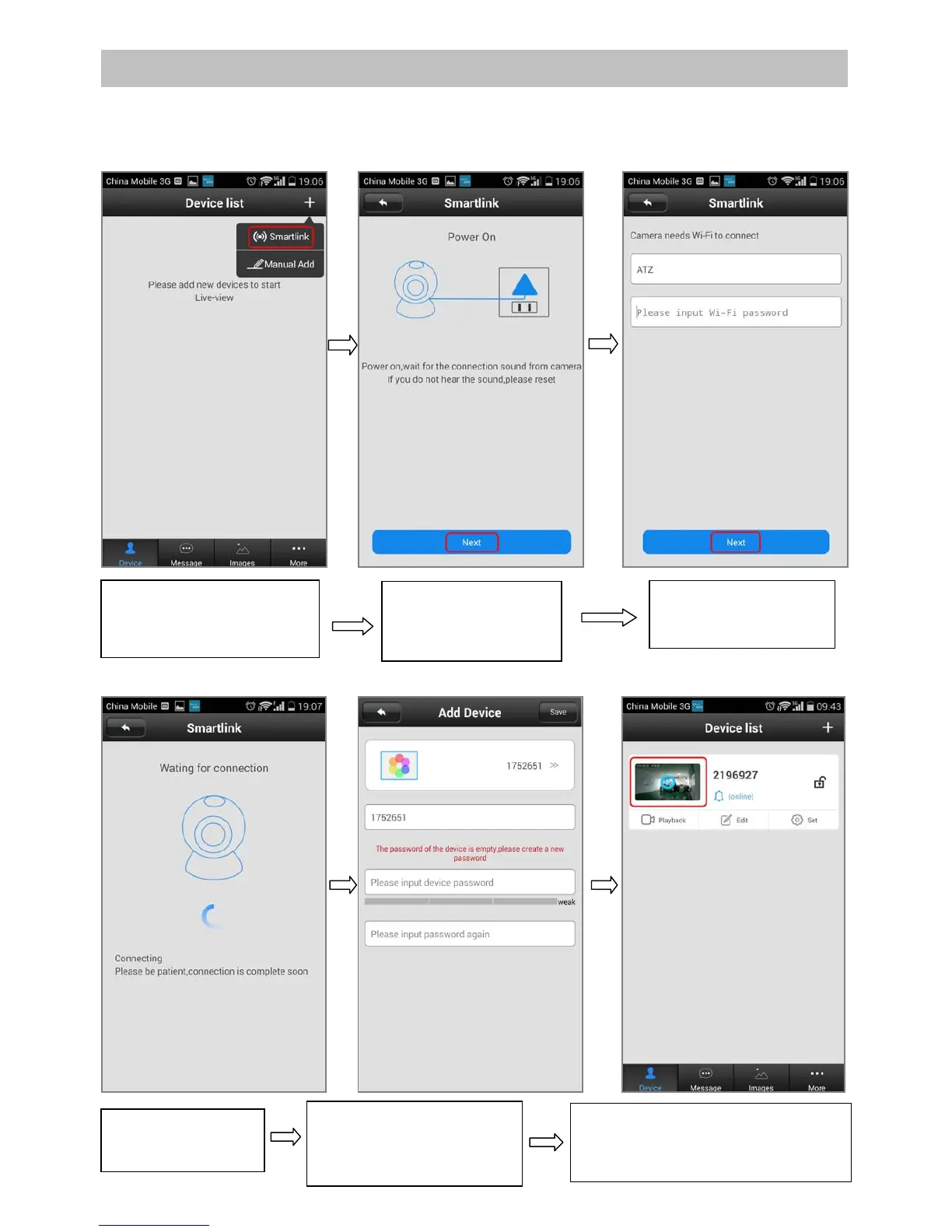
1.Open the software. Click
on “+” on the top right and
choose “Smartlin
k
”.
2. Operate as tips.
Click “NEXT” when
finished.
3. Input Wifi password
and click “NEXT”.
4.Wait for the WiFi
connection.
5. Setup password after
wifi settings and click
“Save” button on top right.
6. APP will automatically jump to
the equipment list. Click device
window,
y
ou can
p
review the video.