Instructions
Mounting and connecting
Step 1:
ATTENTION
Make sure the audio system is powered off and the power inlet is
disconnected from the mains power before the enclosure is opened.
Before removing the network interface card from its protective bag, we recommend
touching the grounded metal chassis of the XMP44 (or any other grounded point) to
prevent electrostatic discharges affecting the sensitive electronic components. It is
recommended to avoid touching of the components on the circuit board directly.
Step 2:
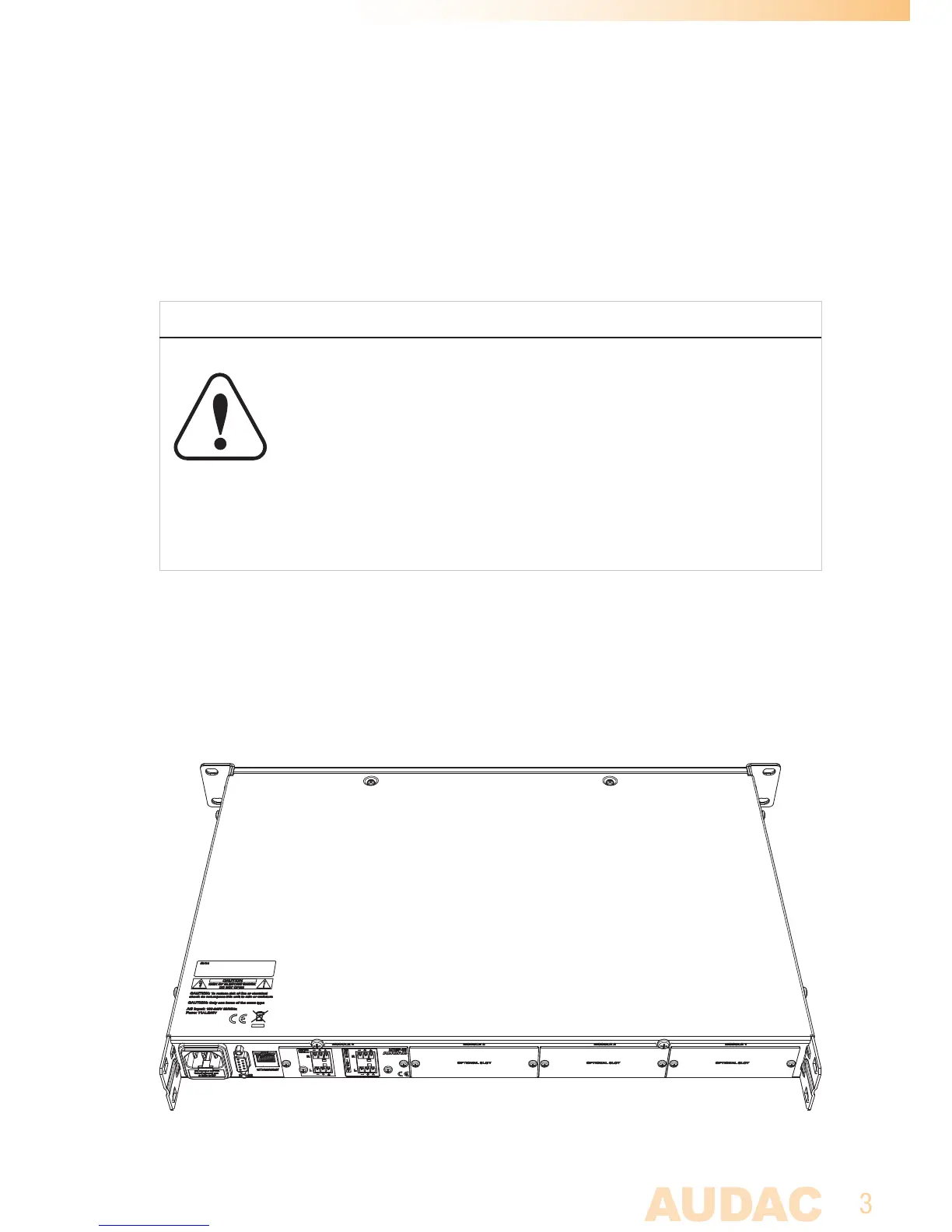
Open the audio systems’ enclosure by carefully removing the screws from the top panel
of the device. A total of 8 screws shall be removed, two screws on top, two screws on
rear and two screws on each side. Once these screws have been removed, you should
be able to lift the top panel of the device.



 To Next Page