Screen and menu
1. Screen
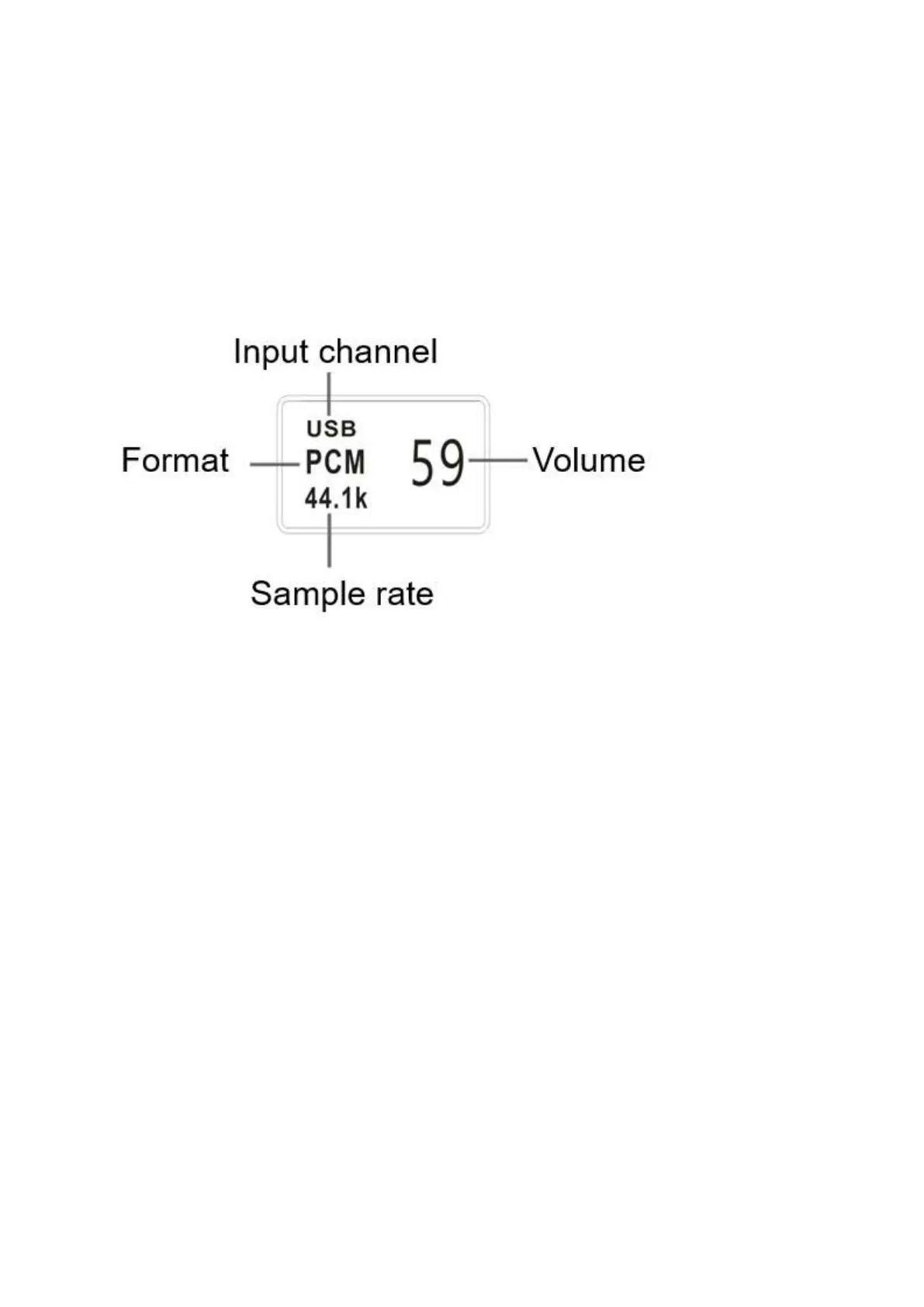
AH90 uses a high-resolution OLED screen to display the working situation and functions. The
following figure is main page of the display.
2. Input
AH90 In main page, short-press the knob to select the input port by the order of COAX1—
COAX2—OPT—USB—LAN.
3. Volume
In main page, rotate the knob to adjust AH90’s volume. There are 80 steps of digital volume from
00 to 80.
When the volume position is at 80 and then increase the volume to enter the fixed output mode
(volume bypass), the volume position displays FIXED. decrease the volume is to exit FIXED first
and then adjust the volume.


 To Next Page