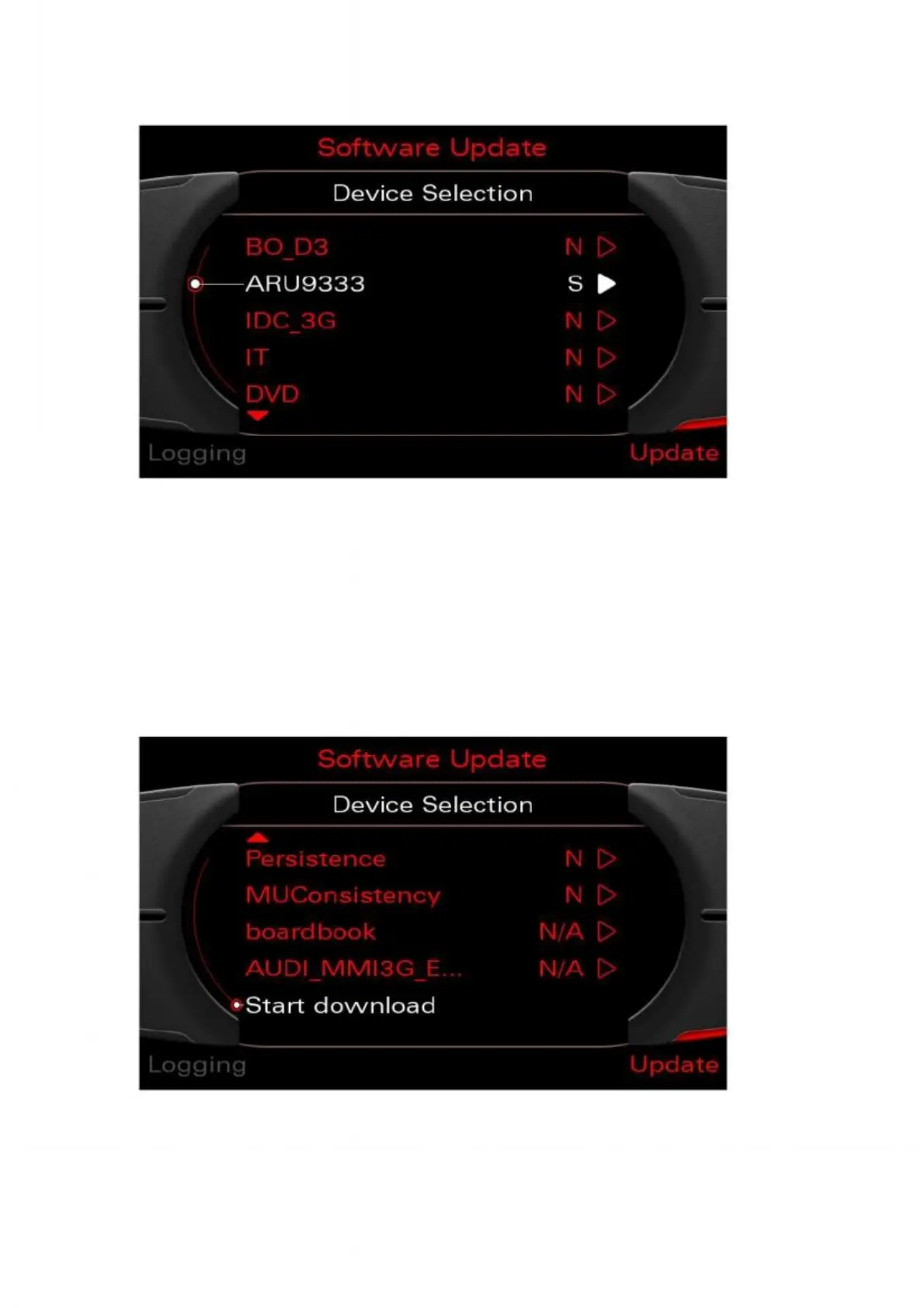
12. All devices that can be updated are shown in the list that now appears.
The entries displayed in the list may vary depending on the vehicle configuration.
Figure 7: List view of the devices to be updated
Type of update:
N/A= No update information available on the inserted CD
N= No update required
S= Single update (partial update of software) will be performed
Y= Total update will be performed
13. Select and activate "Start download" at the bottom of list with the rotary pushbutton.
Figure 8: Activating Start download using the rotary pushbutton



 To Next Page