04
Smartgain Mode
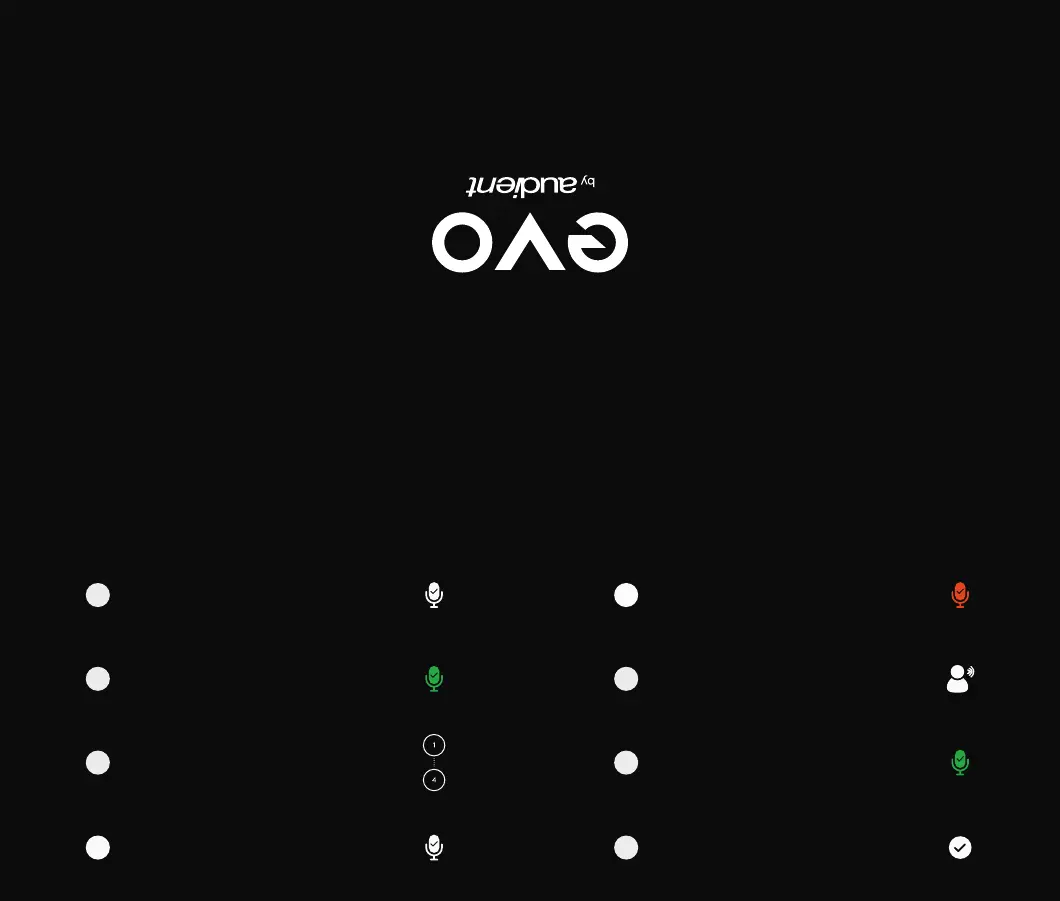
The Smartgain LED will start ashing red
and the volume wheel LED’s will illuminate
indicating that Smartgain Mode is now
listening
Smartgain Mode will dial in the correct
levels and when complete the Smartgain
button will ash green twice to indicate
it has been successful
Start playing or performing into the
microphone
5
6
7
You are now ready to start recording
8
Press the Smartgain button to begin
The Smartgain LED will illuminate green
and the input channel LED’s (1, 2, 3 & 4)
will begin to ash (indicating a channel
must be selected)
Press one or more of the input channel
buttons to select the channels to be
adjusted
Press the Smartgain button again to
begin the process
1
2
3
4


 To Previous Page