2
Congratulations on acquiring your ne Audio Ape product
Let’s dive right in, getting up and running is a snap.
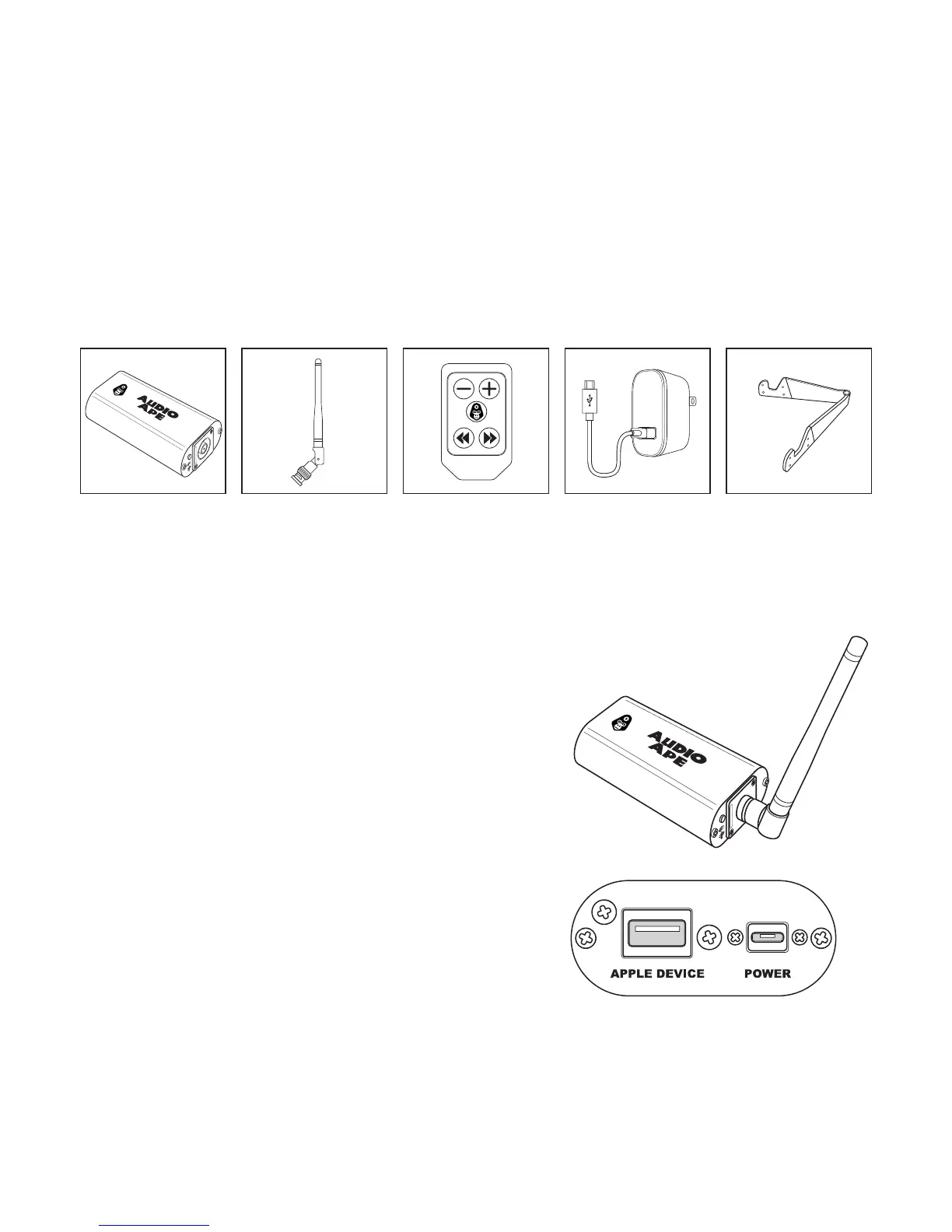
Here are the components:
Power
adapter
Receiver iOS standAntenna Remote
Now that you know what comes with your system, let’s look at each of them.
Audio Ape receiver
This is the heart of your Audio Ape.
It’s built very ruggedly and will serve you and
your show for many years.
Let’s look at the rear of the receiver rst.
There are 2 ports here.
The port on the right is labeled “Power”.
This is where you will plug in your provided
power adapter.
The second port on the left is labeled “Apple
Device”.



 To Next Page