4
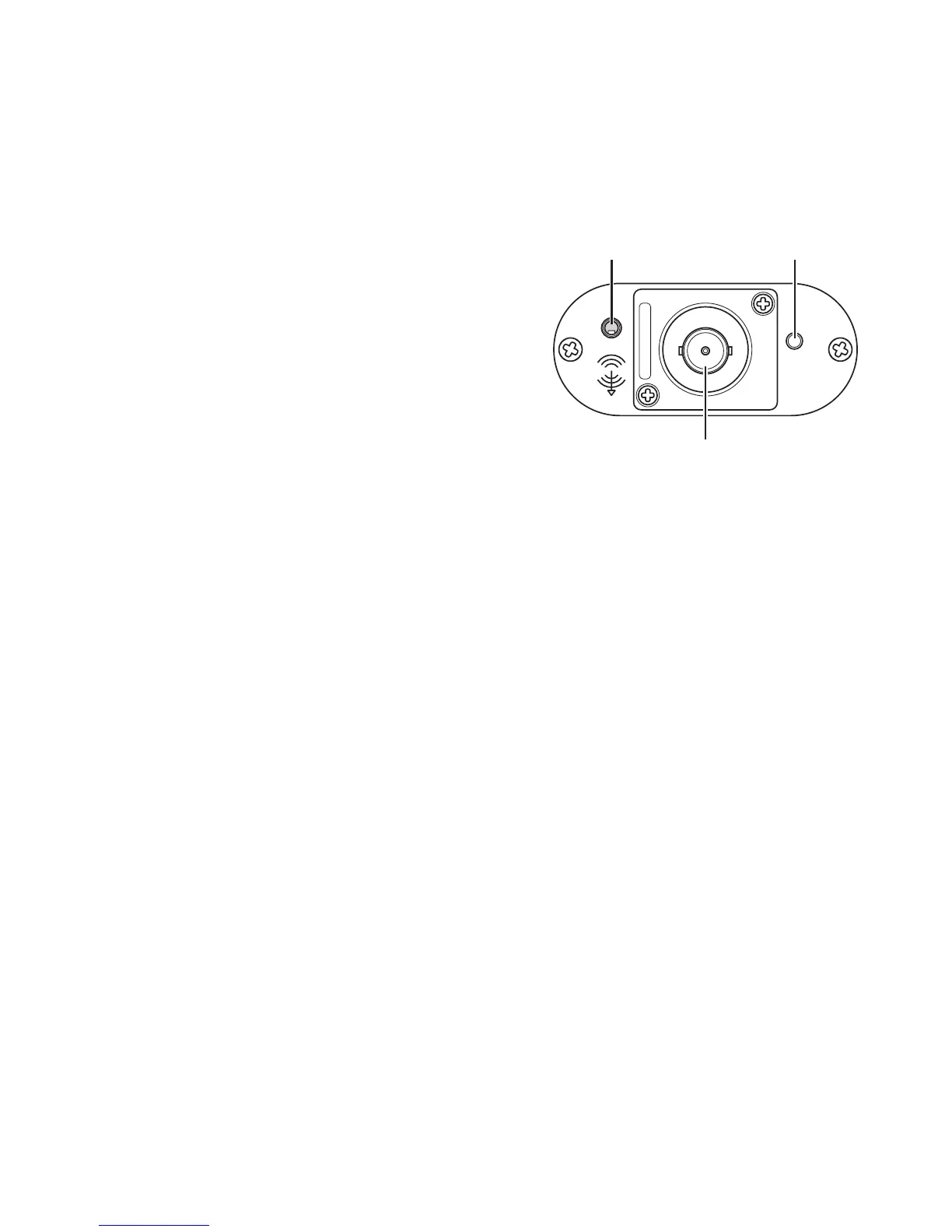
Front of the receiver
The front has an LED light on the right.
Here are the dierent LED colors and what
they mean:
• Solid Orange LED – Power plug
is connected but no Apple device
is connected
• Solid Green LED – When power and
an Apple device are both connected
to the receiver.
• Flashing Green LED – Commands from the handheld remote
are being received
• Blinking Red LED – Power overload, replace power adapter with
a working one.
Next in the center is the Antenna port.
Simply line-up the tabs on the receiver’s connector with the slots on
the antenna’s connector. Holding the antenna’s metal ribbed ring push
inward and give a 1/4 turn clockwise to lock in place. To remove the
antenna simply turn the antenna’s metal ring counter-clockwise.
To the left is the 3.5mm audio out port. This will output your audio
from your Apple device to your chosen amplier or sound system. You
can use any number of dierent 3.5 mm connectors to get the sound
out to your chosen system the choice is yours.
Audio
Out
Antenna Connector
LED



 To Next Page