7
When you have removed all the necessary screws hold the front of the receiver
and slide the board out so you can see the address switches. Verify that they
switches match your remote.
NOTE: You can also run 2 or more receivers that are controlled by one remote.
Just open the receiver you want to add and match the address to your existing
receiver. You can also run multiple remotes to multiple receivers in this way.
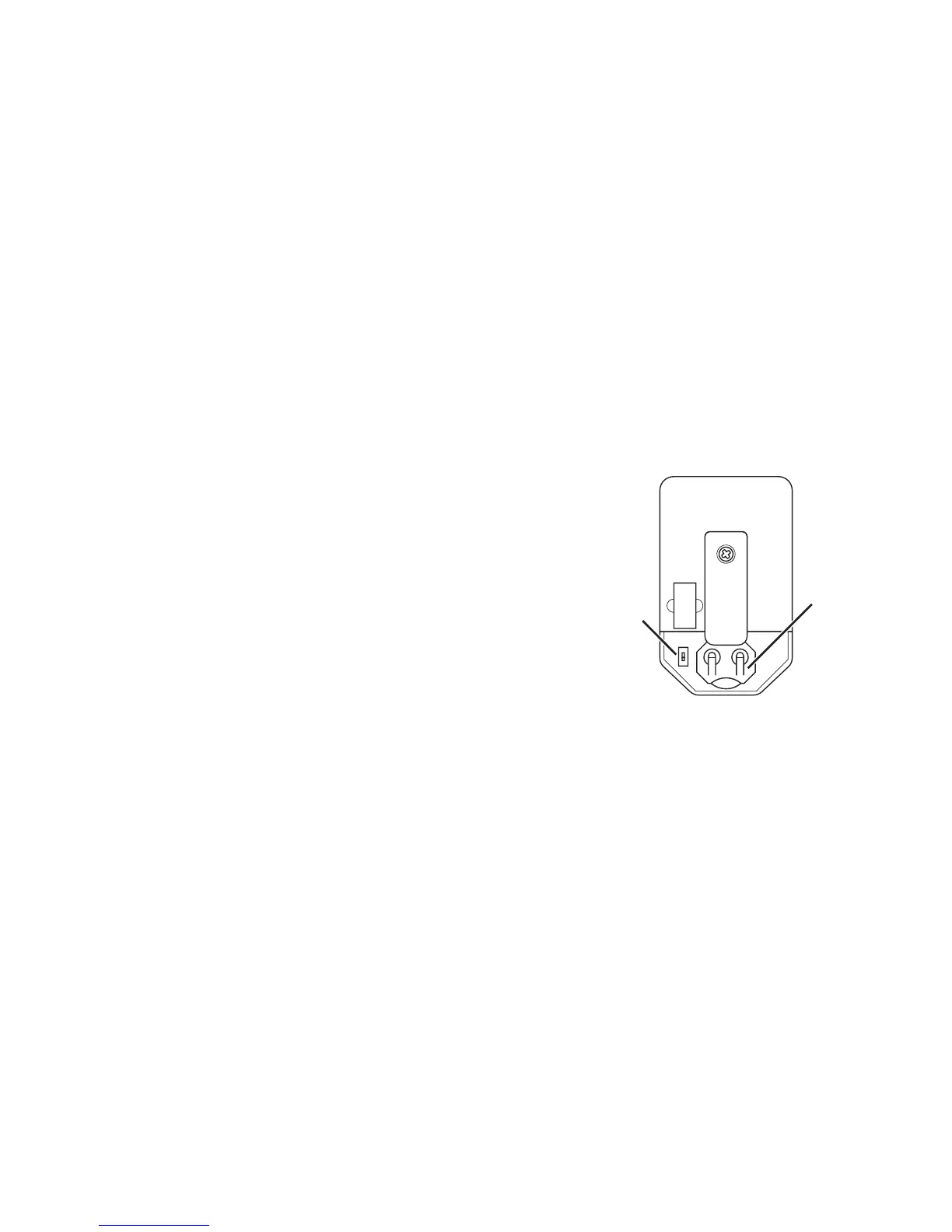
Replacing the remote battery
Your battery should last for 2-3 years of normal
use. You can easily nd replacement batteries
at most chain stores or you can order them
from our site. The size needed is 2032 lithium
coin cells. To replace the battery just pop
open the back by pulling downward on the
compartmentlid.
NOTE: Do not change the position of the switch
inside the battery compartment. If your remote
is paired correctly but is still not working, after
checking the battery, check this switch and verify
that it is in the correct position (down).
Please contact us with any questions or problems at:
support@audioaperemote.com
Always
In Down
Position
Battery
Size
2032



 To Next Page
 Loading...