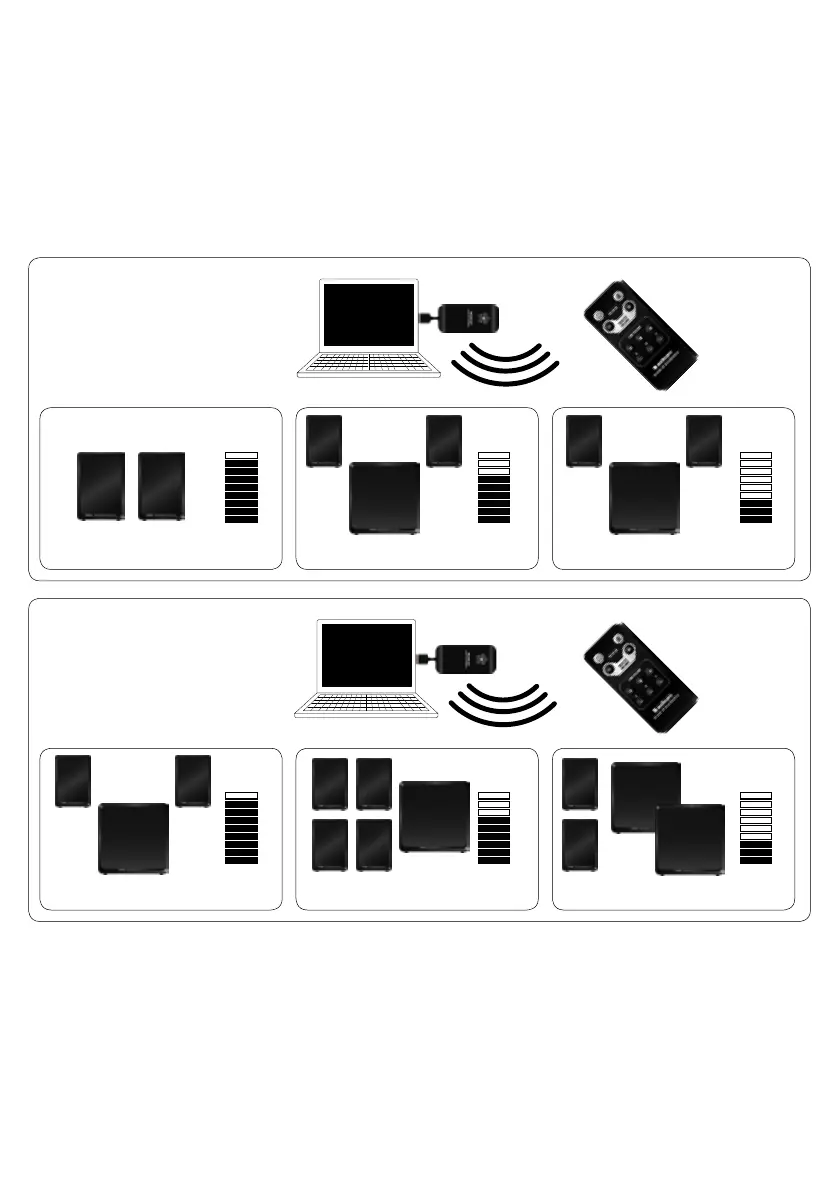
HOUSE CODE AND ZONE
An Audio Pro audio network can be extended to provide sound in several rooms, or multiple loud-
speakers in the same room. But you may not always want to have the same volume in all rooms.
To solve this, you can divide each House Code up into a total of 3 different zones. Each zone is
allocated its own volume. This is convenient if you wish, for example, to have a certain volume level
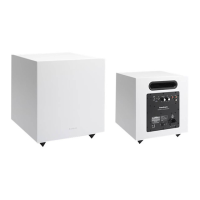
in the living room and a different volume in the kitchen. You can have as many LV-SUBs in each
zone as you wish, or just the one.
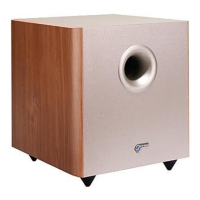
The LV-SUB is integrated as a natural part of the Audio Pro network.
Note that:
1. Each House Code (1, 2 and 3) can be divided up into a maximum of 3 zones (A, B and C).
2. You can allocate an unlimited number of loudspeakers to each House Code, and as many as
you wish to each zone. A zone does not need to be restricted to a single room - it can be the whole
floor or a department (within range of the transmitter)
Zone A Volume
Zone A Volume
Volume Zone B
VolumeZone B
Volume Zone C
Volume Zone C
Remote for LV2
Remote for LV2
HOUSE CODE 1
Speakers and transmitter use
same house code.
Example with Living LV2 speakers.
HOUSE CODE 2
Speakers and transmitter use
same house code.
Example with Living LV2 speakers.


 To Next Page