AUDIOBYTE BLACK DRAGON Digital Preamplifier
__________________________________________________________________________________
_
USB Driver Installation Details (Windows XP 32/64, Windows 7 32/64)
Do not connect the USB cable to the computer before driver installation. If you have
already connected the dac to the PC, click Cancel on the screen that has showed up and
remove the USB cable.
1. Go to product’s page on www.audiobyte.net
2. Download the compatible drivers.
3. Unpack zip archive.
4. Enter your OS folder.
5. Launch Setup32.exe for 32bit OS or Setup64.exe for 64bit OS.
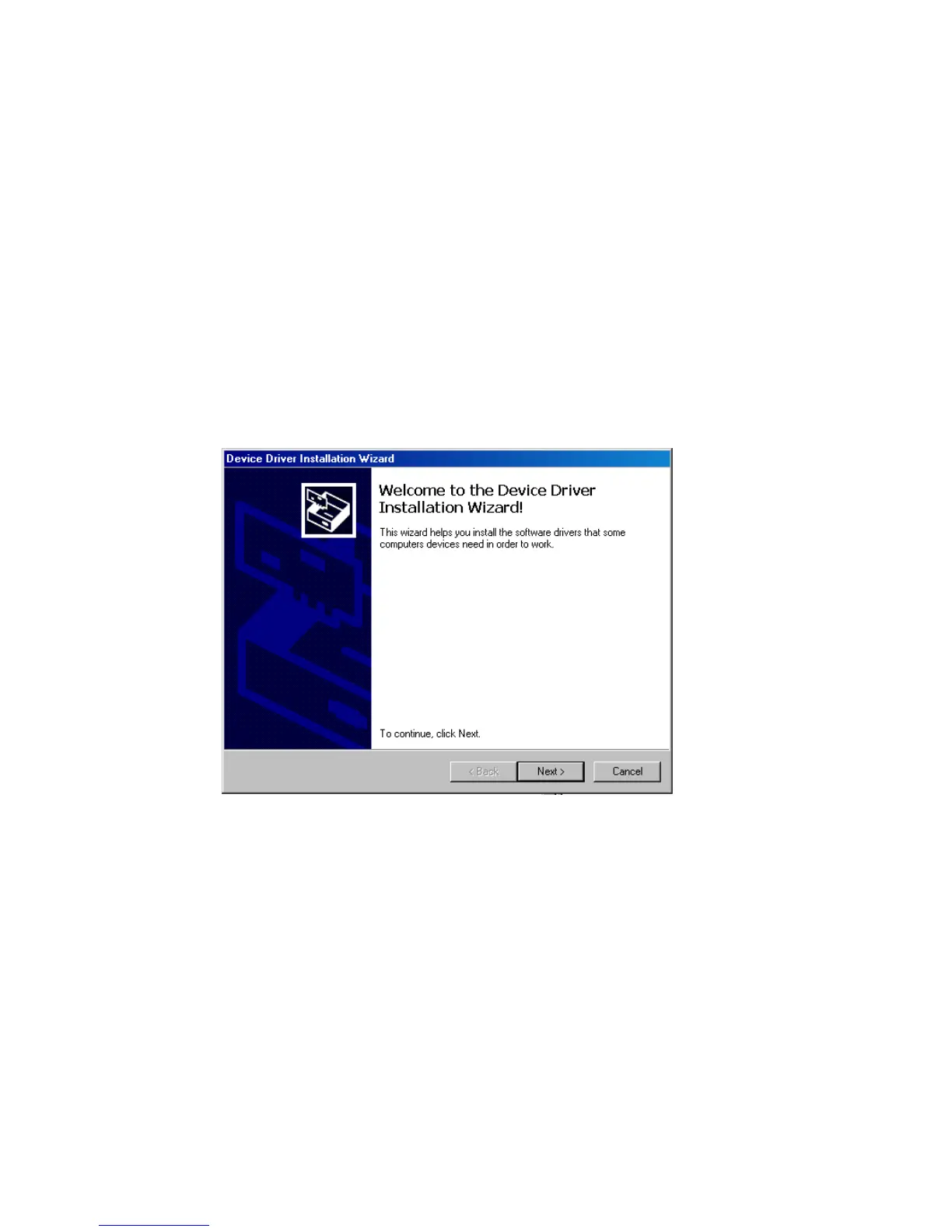
6. After the application launches, click Next:



 To Next Page