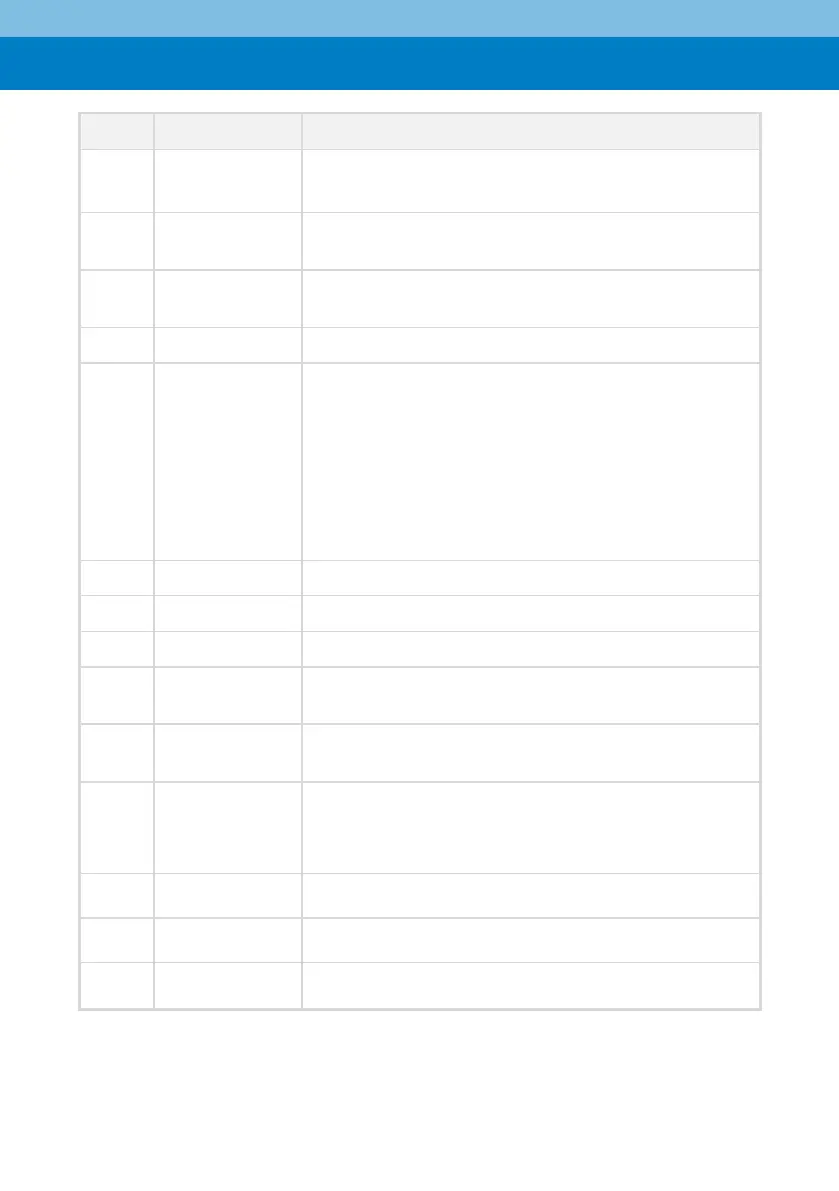
Set presets: Set preset + number (0-9).
Preset 0 can be set as the default.
Confirm the selected menu or press to return the pan/tilt
to the center position.
Press to return to the previous level in the OSD (on-screen
display) menu.
Slowly or quickly zoom the lens in/out.
L/R SET
[Left/Right
Setting]
Defines the gimble rotation when the right or left key
(#14) is pressed:
▪ Press this button + "1" key simultaneously - right and
left key (#14) moves camera to the right and left,
respectively.
▪ Press this button + "2" simultaneously - right and left
key (#14) moves camera to the left and right,
respectively.
Switch focus: Auto/Manual/Far/Near
Select the camera to be controlled.
Use in combination with other buttons.
Auto Framing, Voice Tracking, People Tracking, Smart
Gallery
Press this button + preset number key (0-9) in sequence to
clear presets.
① In manual mode, control the direction of the PTZ
② In the menu, switch directions
③ In people tracking mode, select the tracking target
Press to enter or exit the OSD (on-screen display) menu.
Press to start self-check of the pan/tilt.


 To Next Page
 Loading...